






















Track Every File. Know Where It Is. Know Who Moved It.

RFID File Tracking & Document Management System - Industry Standard Since 2006

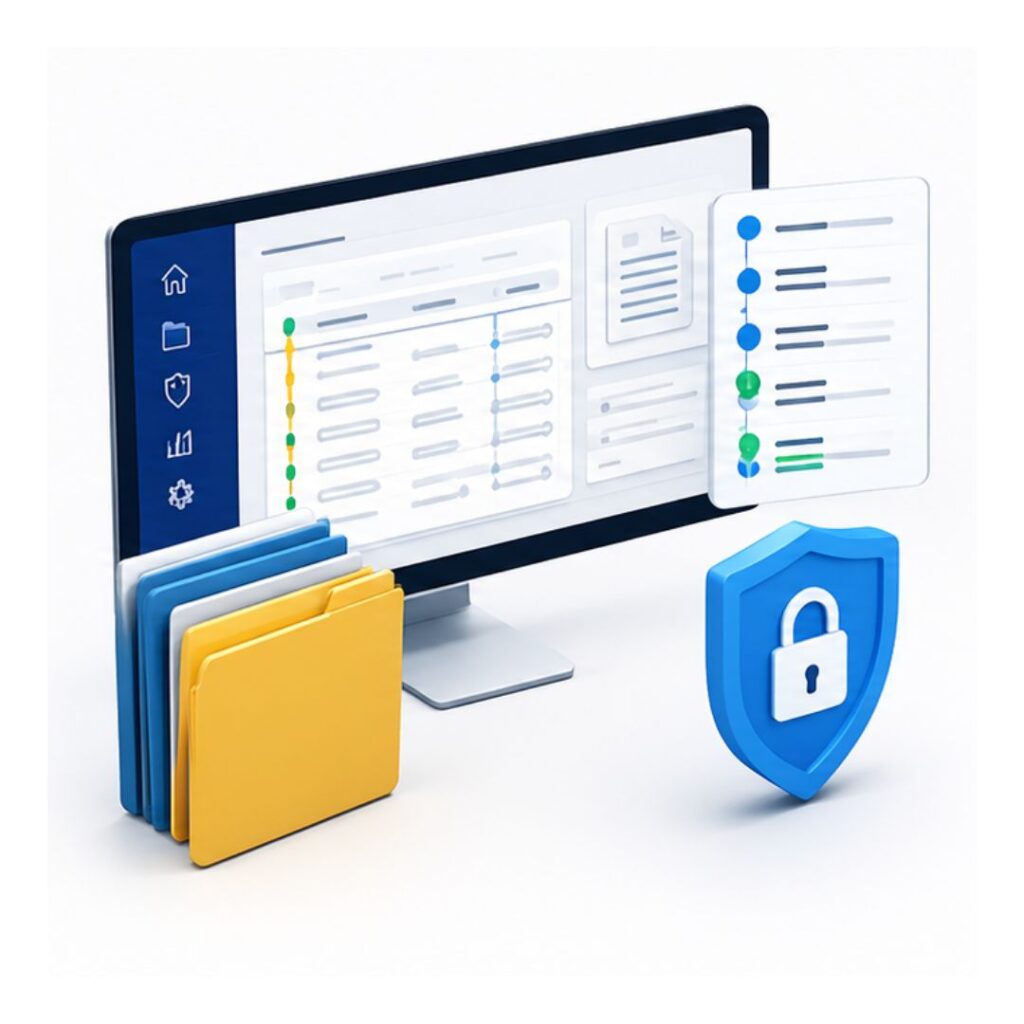
IoTFileTracker gives organizations real-time visibility into the location and movement of physical files, folders, documents and records.

What Is RFID File Tracking?

RFID File Tracking is a system for identifying, locating and monitoring physical files using RFID tags, readers and file tracking software.

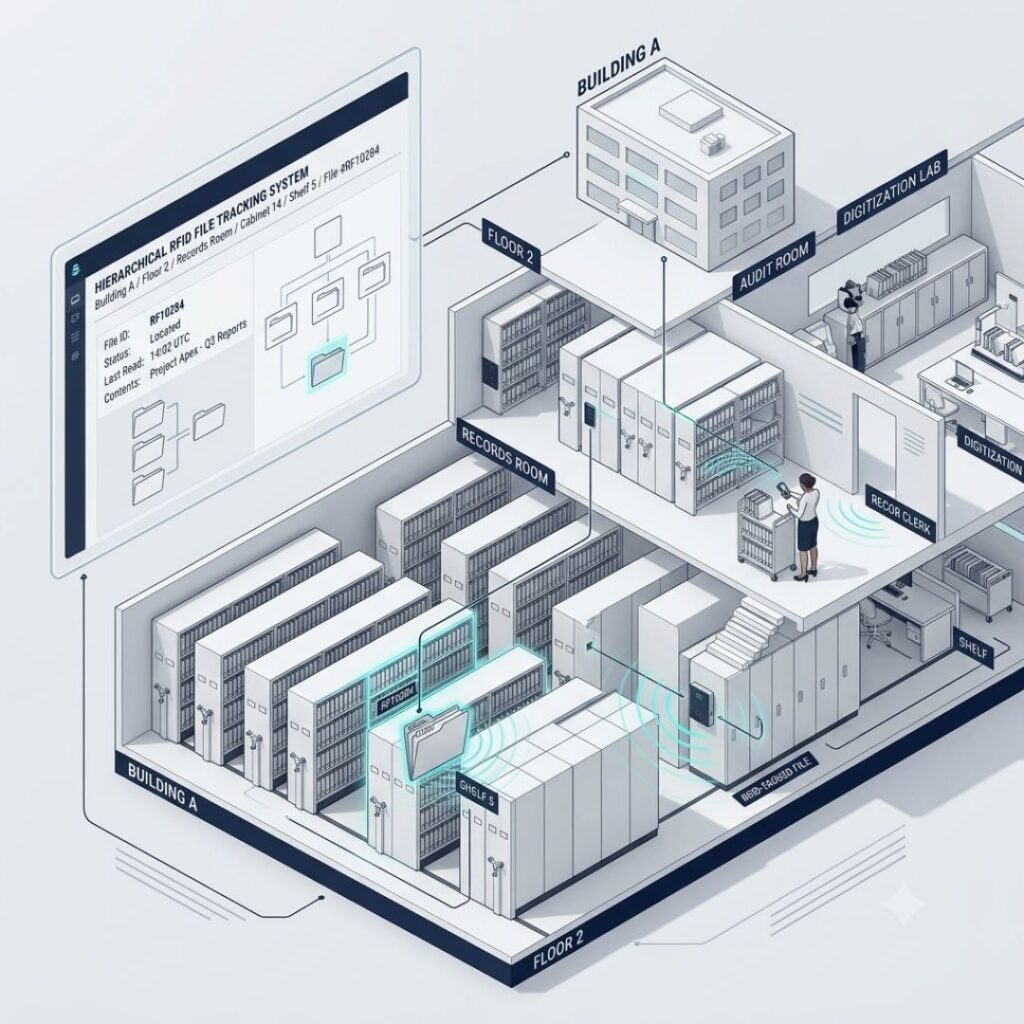
An RFID tag is attached to each file, folder or archive container. RFID readers and antennas detect these tags as files move through designated areas.

The tracking software then records information such as:

  • Which file moved
  • When it moved
  • Where it moved from
  • Where it moved to
  • Who was responsible for the movement
  • Whether the movement was authorized
  • When the file was returned
  • Where the file is currently located

This creates a digital record of the physical movement of documents.

Unlike traditional manual file registers, RFID technology can detect multiple tagged files without requiring an employee to scan each file individually.

File Tracking Software Banner
RFID File Tracking
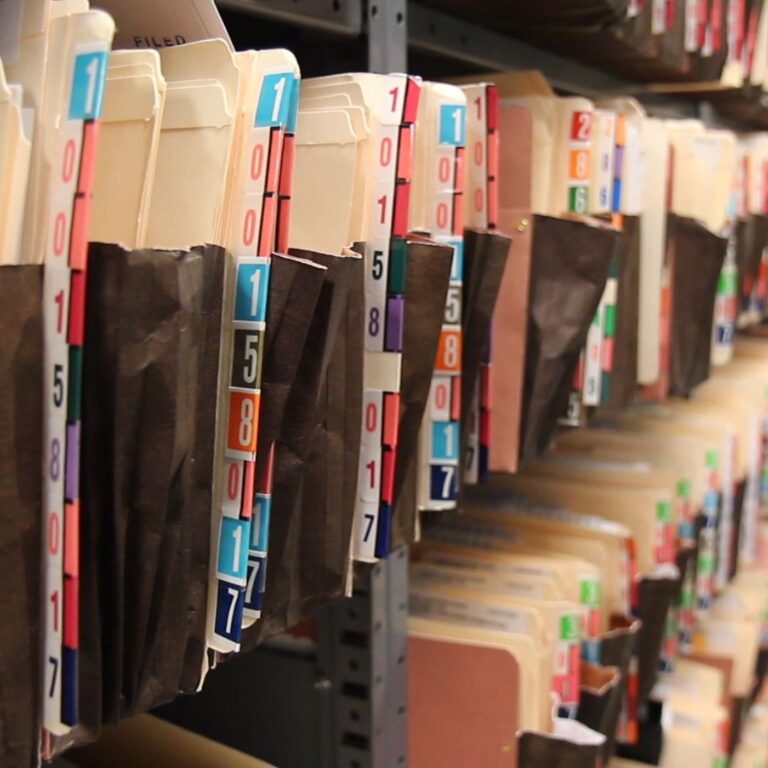
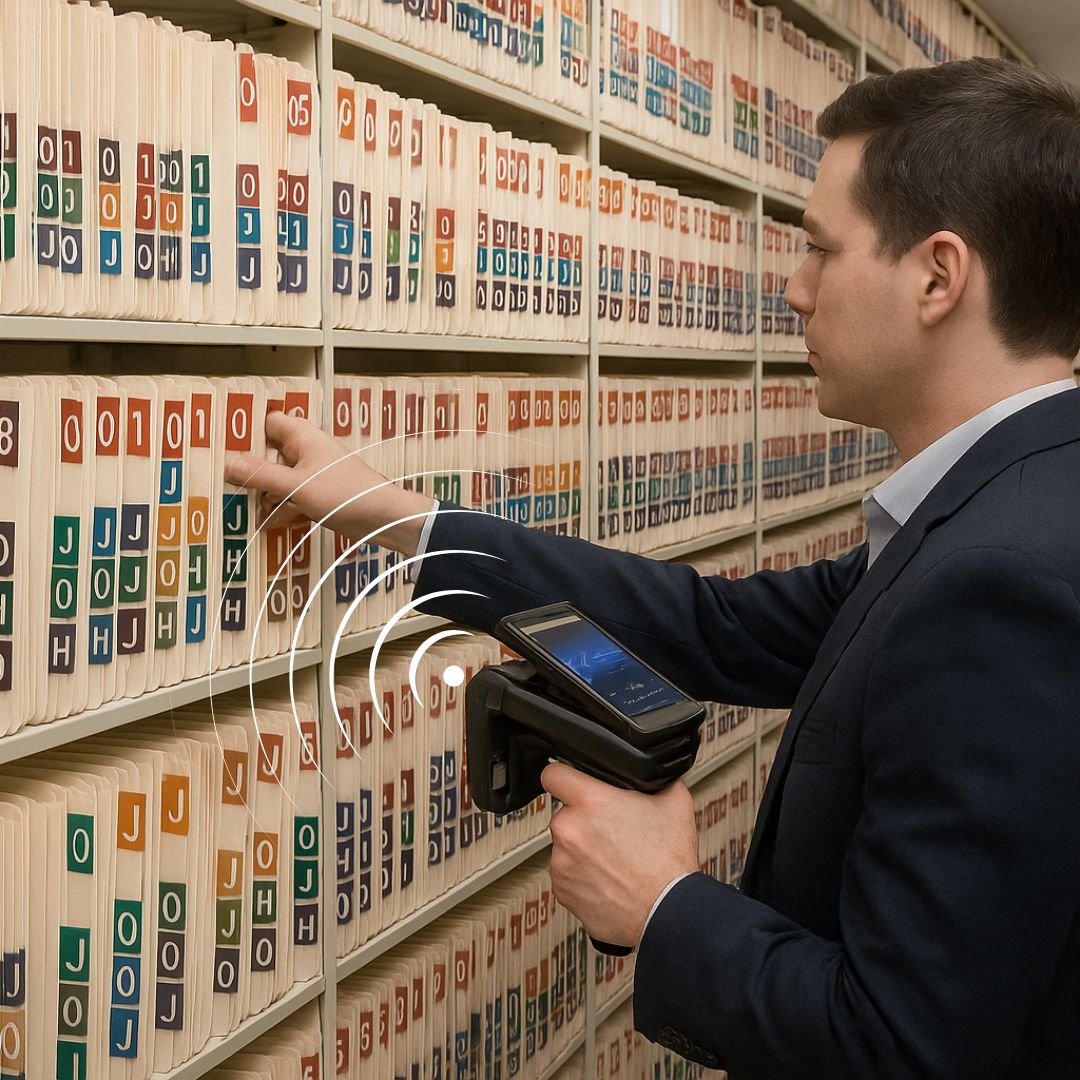
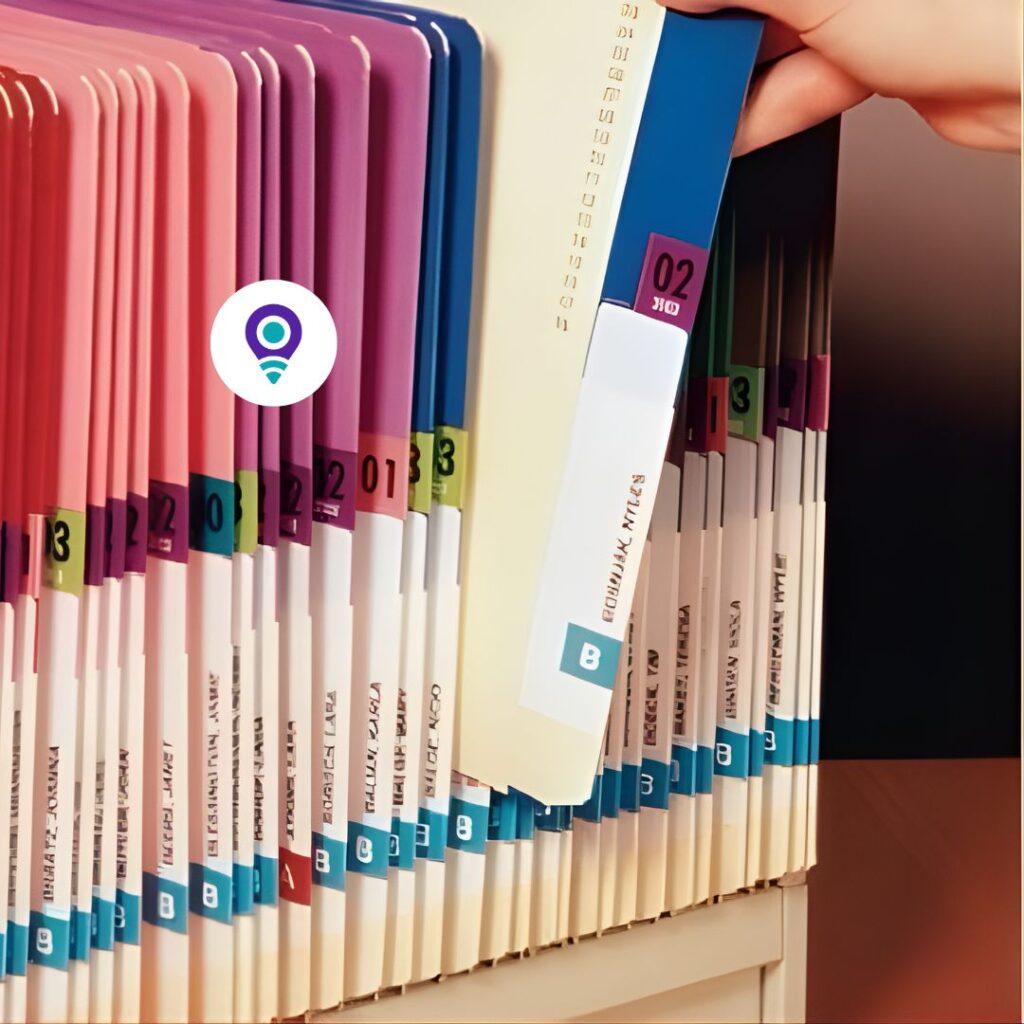
Color Coded Files

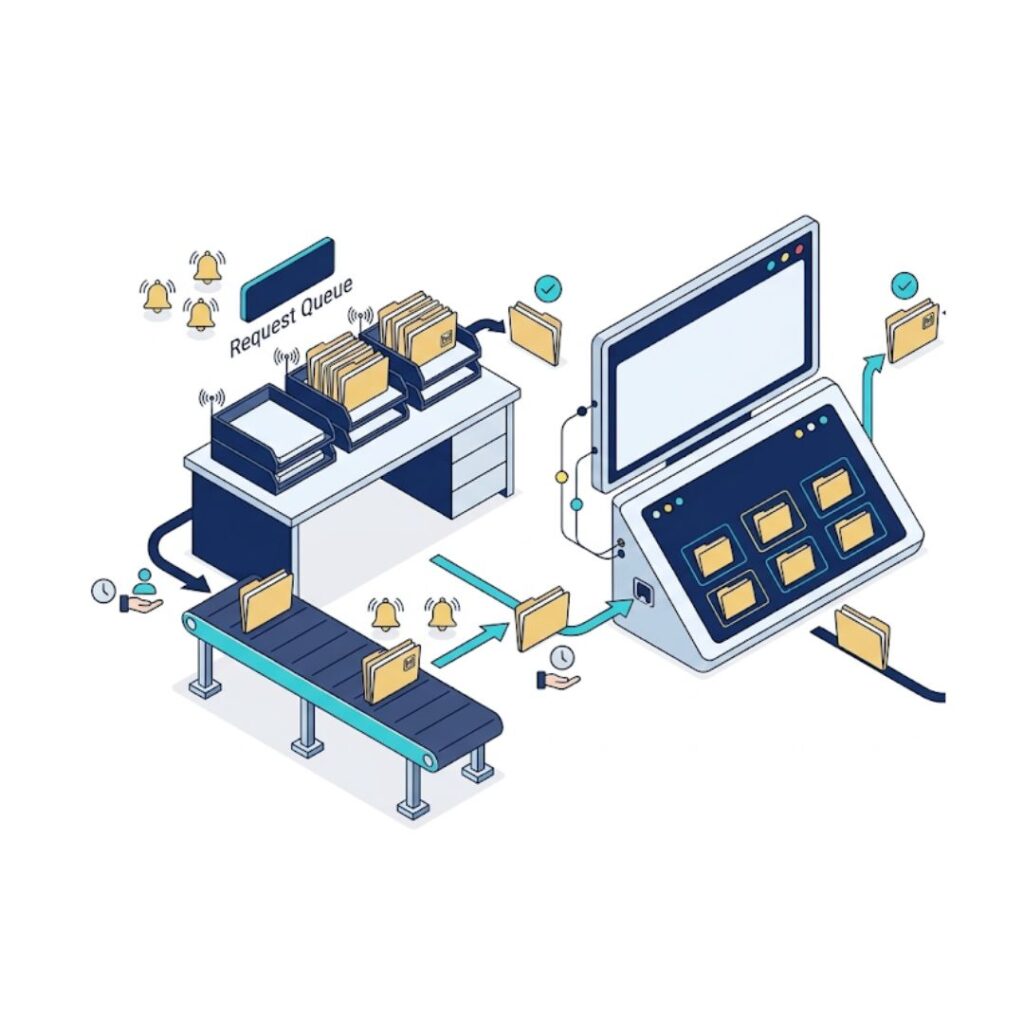
RFID File Tracking Process flow

    • RFID document tracking system is commonly implemented by companies to enhance document control and processes. In many companies, Manual File Circulation and Physical File Tracking can result in delays, misplacement, and a lack of file visibility. These issues directly impact productivity and document security.
 
    • With a modern  Systems for Document and File Management & Movement Monitoring, businesses can manage file and archives tracking in a more structured way. Confidential documents, file folders, and archives are tagged with RFID file tracking tags, allowing automatic identification as they move through different areas.
 
    • This enables real-time visibility into file locations or current tracking status, helping teams know exactly where a file is at any moment. It also improves monitoring file movement between departments, reducing confusion and delays in handling documents.
 
    • The system also helps prevent risks such as unauthorized file access and removal as well as unauthorized file movements, improving security for sensitive information. Real-time tracking of file movement throughout the premises helps with document control and responsibility.

    • In addition, personnel can be assigned RFID ID cards, which further supports accurate tracking and responsibility during file handling. Overall, RFID Based File Tracking improves efficiency, security, and accuracy in document management processes, making it a reliable solution for modern businesses.

How Does an RFID File Tracking Works?

An RFID system has primarily four primary elements:

RFID Tags

A small RFID tag is attached to each physical file, folder, document jacket or archive box.

Each tag has a unique identification number that is associated with the corresponding file in the IoTFileTracker database.

RFID Readers

RFID readers detect tagged files using radio-frequency signals.

Readers can be deployed at file-room counters, desks, doorways, corridors, storage areas and other locations where file movement needs to be monitored.

RFID Antennas & Detection Zones

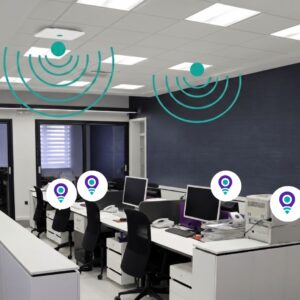
RFID antennas create defined tracking zones within a facility.

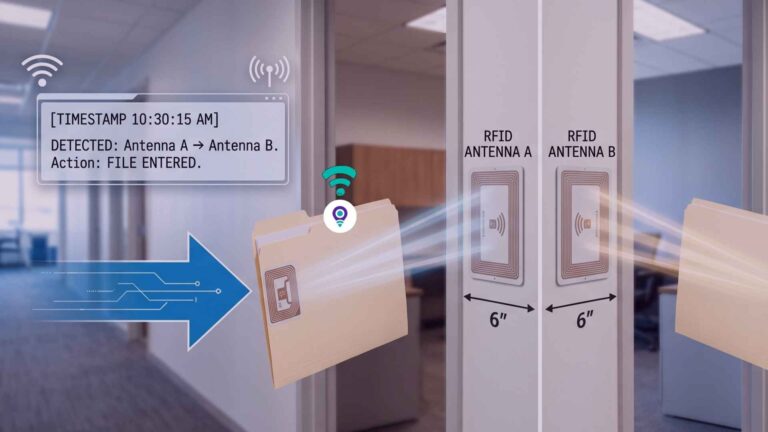
When an RFID-tagged file passes through a monitored doorway or detection area, the system can automatically identify the file and record its movement.

File Tracking Software

File Tracking Software

The RFID hardware connects with IoTFileTracker software.

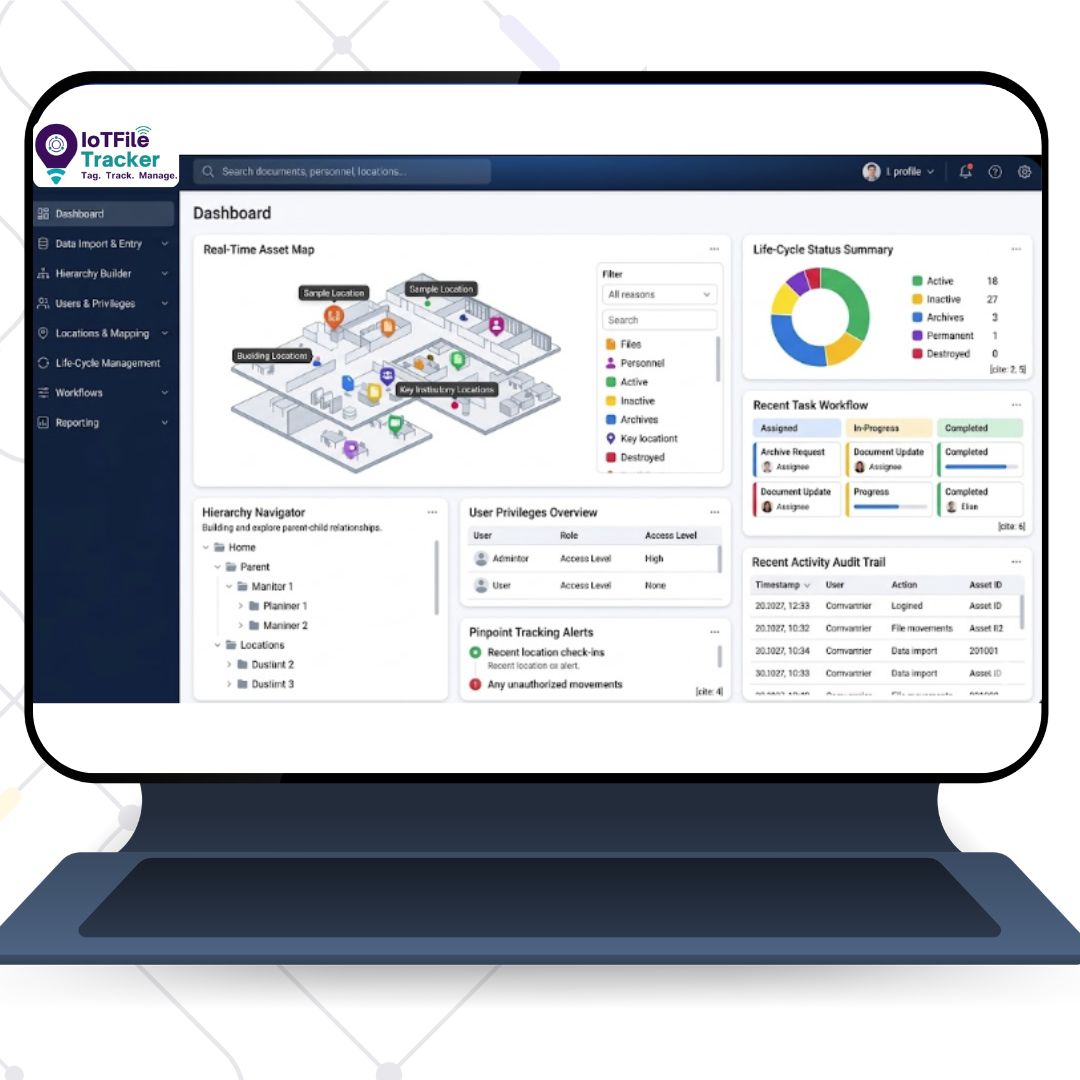
The software maintains the file database, current locations, movement history, users, custody information, alerts, retention information and audit trails.

Together, these components create an automated RFID-based file tracking system.

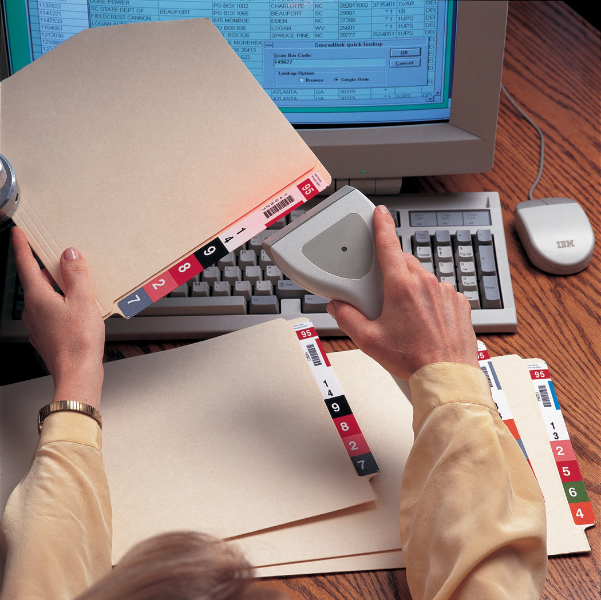
File Scanning Barcode Scanner

File Check-In and Check-Out

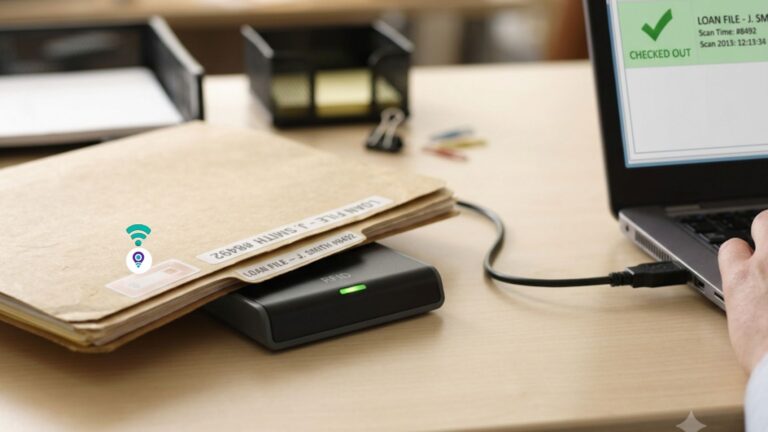
  • RFID technology can automate or simplify the check-in and check-out process.

  • When files leave a records room, the system can record:

    File ID → User → Date → Time → Location → Movement Status

  • When the file returns, the system updates its status again.

  • This creates a digital chain of custody for physical documents.

    Organizations can also identify:

    • Files currently checked out
    • Overdue files
    • Files not returned
    • Files currently in another department
    • Files assigned to a particular employee
    • Files with restricted access
rfid doorway
Track File Automatcally

If Files Move, We Track It. Automatically.

Passive Tracking at File Room Doorways

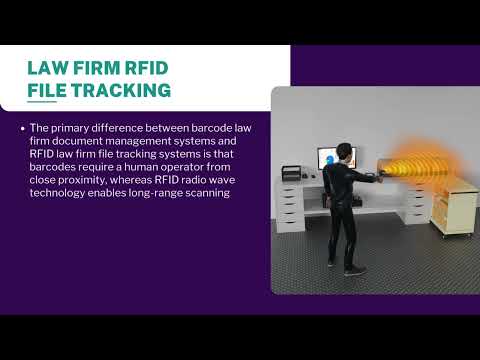
True automation is about tracking without thinking. In traditional systems, record accuracy depends entirely on a human remembering to scan a barcode or sign a logbook. If they forget, the system fails, making Automated file circulation tracking difficult to achieve.

IoTFileTracker advanced RFID File Management System eliminates human error by utilizing “Passive” RFID technology. It enables Bulk File Movement Tracking with RFID Tags, allowing multiple files to be tracked at once without manual intervention. We install sleek, unobtrusive RFID antennas at key transition points in your facility—such as file room doorways, storage exits, and corridor intersections. This setup ensures Passive Tracking at File Room Doorways, capturing file movement automatically as files pass through. These antennas create an “always-on” surveillance network that monitors the movement of your physical assets.

File Tracking RFID

Automated File Tracking using RFID Technology

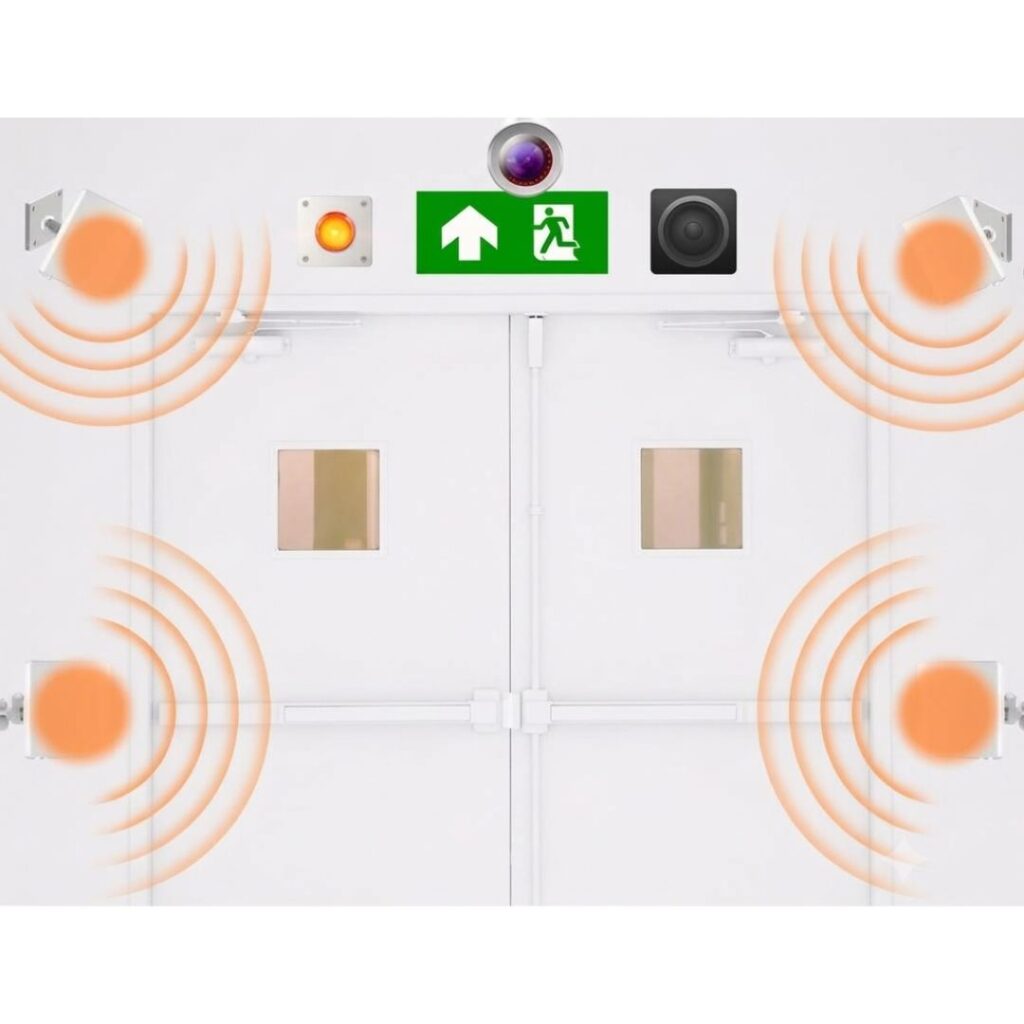
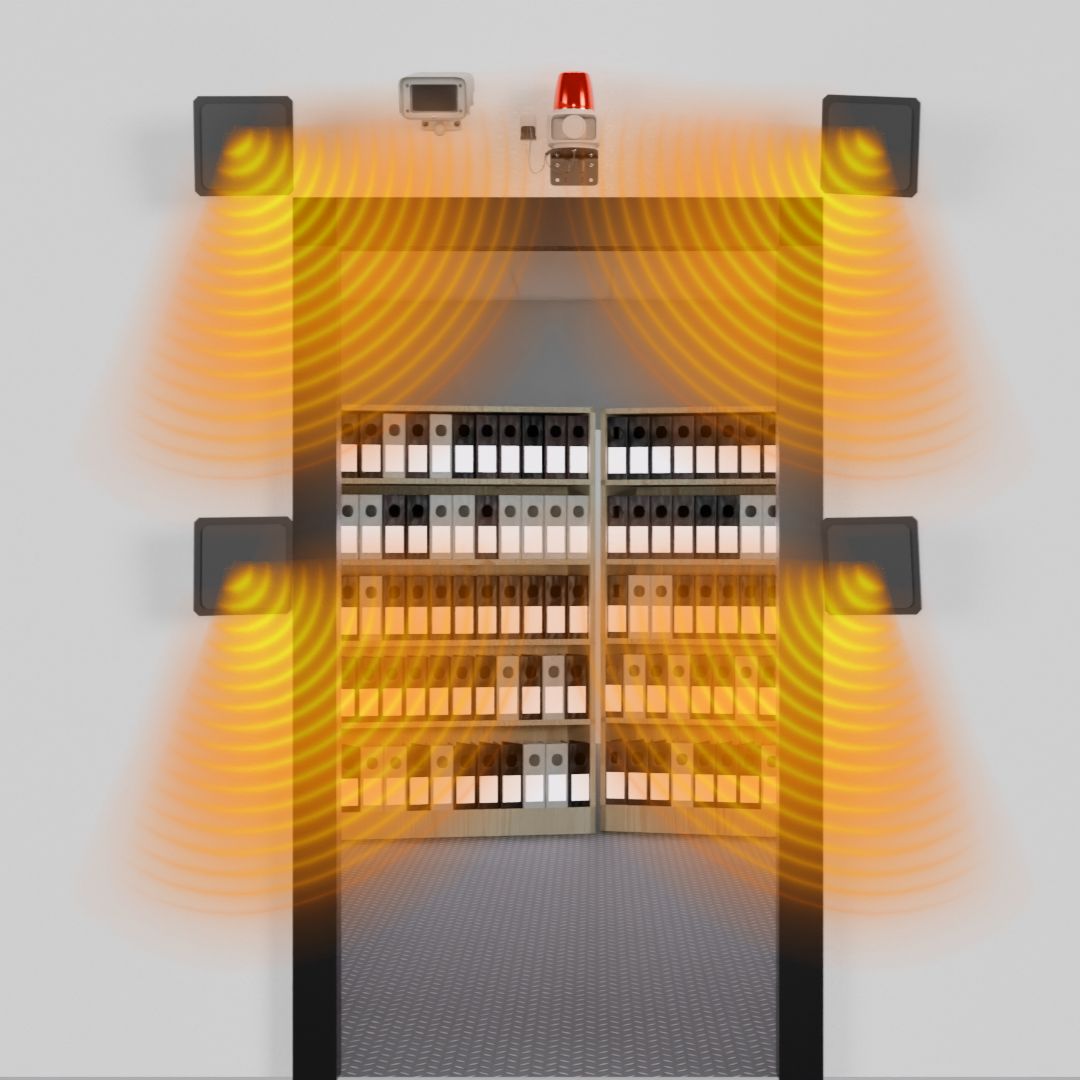
  • Passive Entry/Exit Monitoring: RFID antennas installed at doorways provide real-time, hands-free tracking of files, archives, and personnel as they transition between storage areas.

  • Intelligent Directional Logic: Integrated motion sensors determine the specific direction-of-travel, allowing the system to automate the check-in and check-out process without manual data entry.

  • Personnel Accountability: By issuing RFID-enabled ID cards, the system automatically associates specific files with the staff member who moved them, creating a reliable audit trail.

  • Proactive Loss Prevention: Antennas can be synced with alarms and surveillance cameras to trigger immediate alerts if an unauthorized file or asset approaches a restricted exit.
RFID File tracking

Real-Time File Tracking throughout Facilities

  • Real-Time Asset Tagging: Documents and archives are outfitted with RFID labels, enabling continuous, high-accuracy tracking as they move throughout a facility.

  • Infrastructure Integration: RFID antennas are integrated directly into the local network, with each unit assigned a specific location name within the centralized database.

  • Automated Location Updates: As tagged files pass within range of ceiling-mounted antennas, the software automatically records the transition and updates the file’s current location.

  • Hands-Free Inventory: The RFID file tracking system eliminates manual scanning by providing a constant digital pulse on the whereabouts of sensitive or critical paperwork.
Prevent Unauthorized Access

Prevent Unauthorized Removal of Files

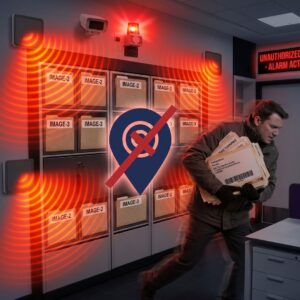
  • Comprehensive Perimeter Control: Strategically placed RFID antennas at exits and transition zones prevent the unauthorized movement or removal of sensitive documents and archives.

  • Intelligent Identity Linking: The system simultaneously identifies the specific items being moved, the personnel handling them, and their exact direction of travel (IN vs. OUT).

  • Instant Visual & Audible Deterrence: Based on customizable business rules, unauthorized access can trigger immediate local responses, including alarms, flashing lights, and surveillance camera recording.

  • Automated Stakeholder Notifications: When a security breach occurs, the software instantly dispatches alerts via email or SMS to designated authorities for rapid intervention.

Records Management Software

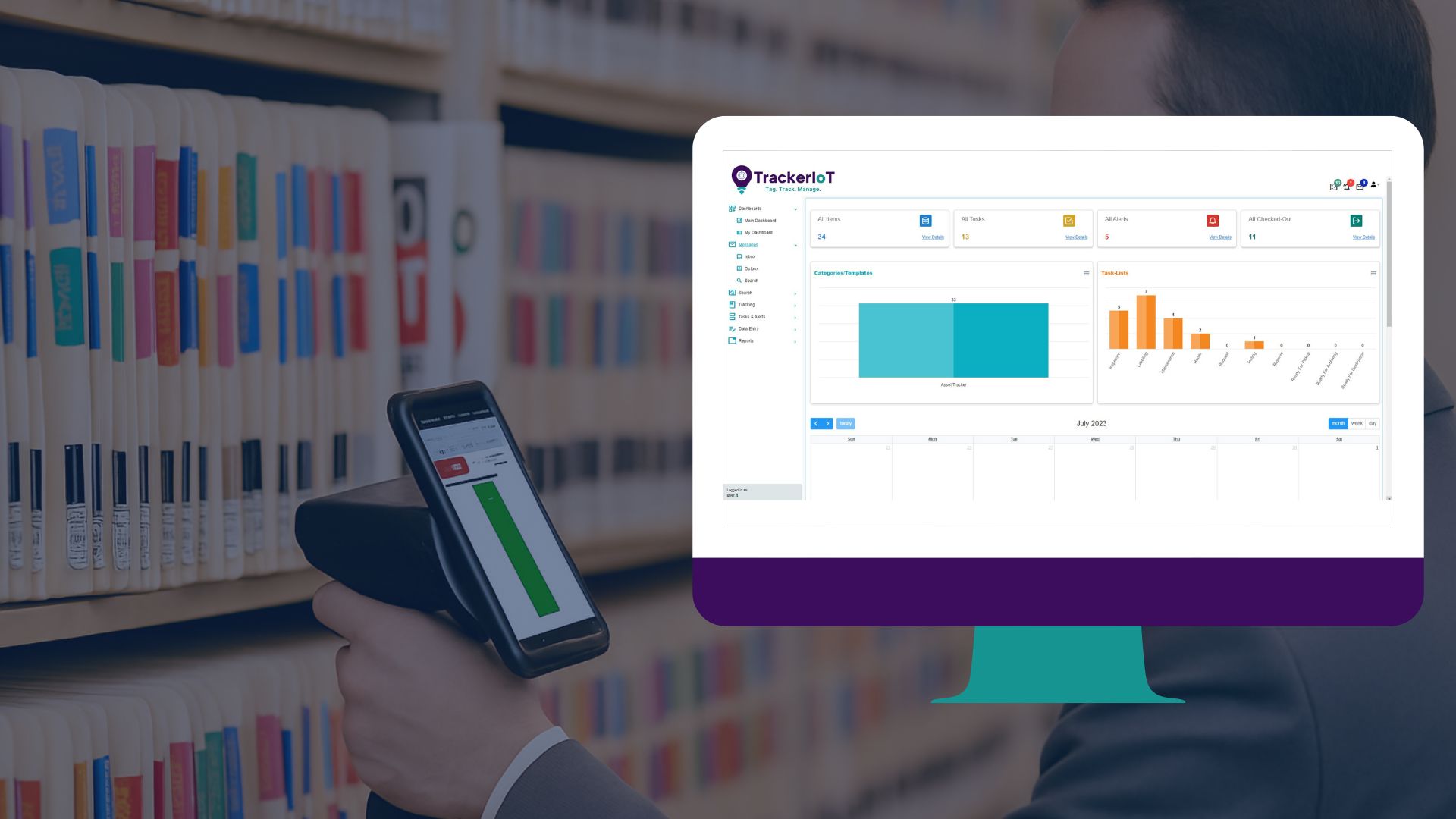
Computerized records management command centre

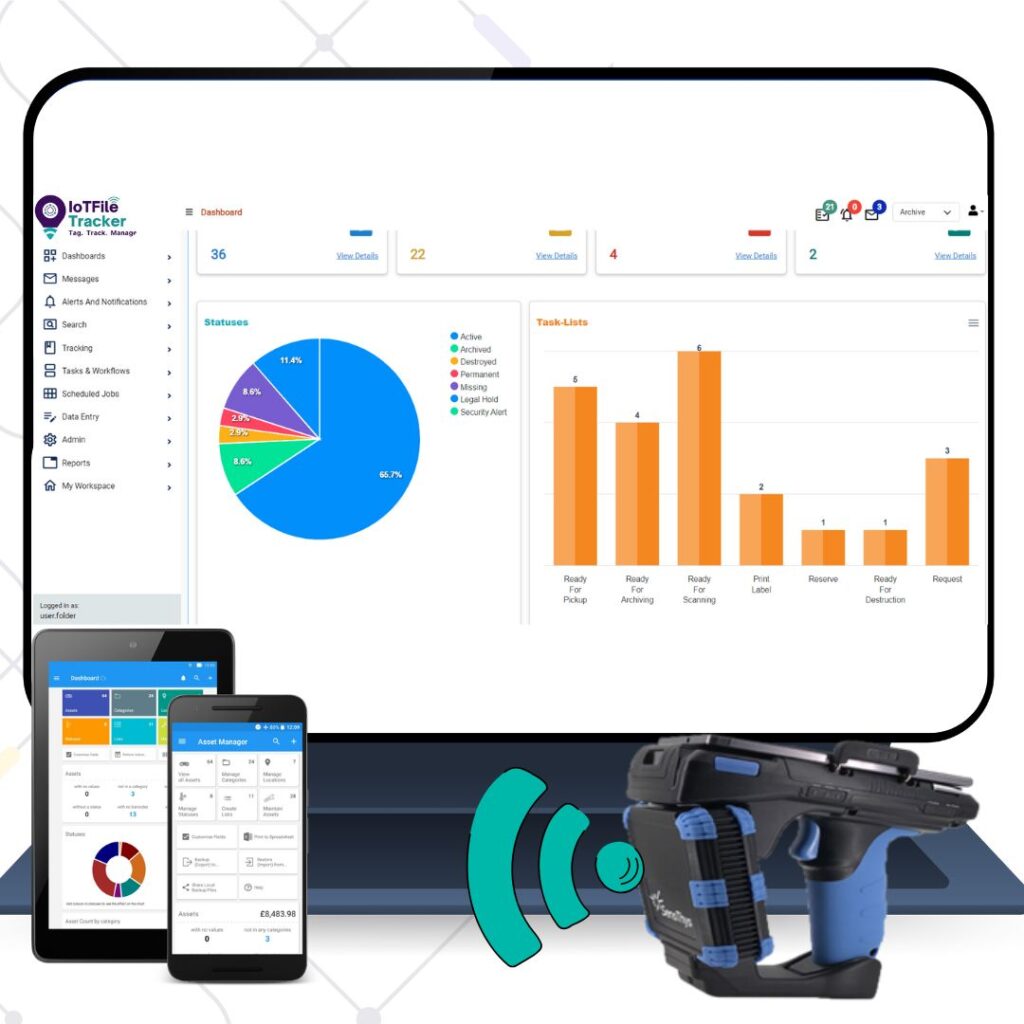
The RFID hardware is only one part of the solution. The real value comes from connecting RFID detection with a centralized file tracking database. IoTFileTracker provides software capabilities for managing:

RFID Labeling of Folders

RFID labeling of folders and archives

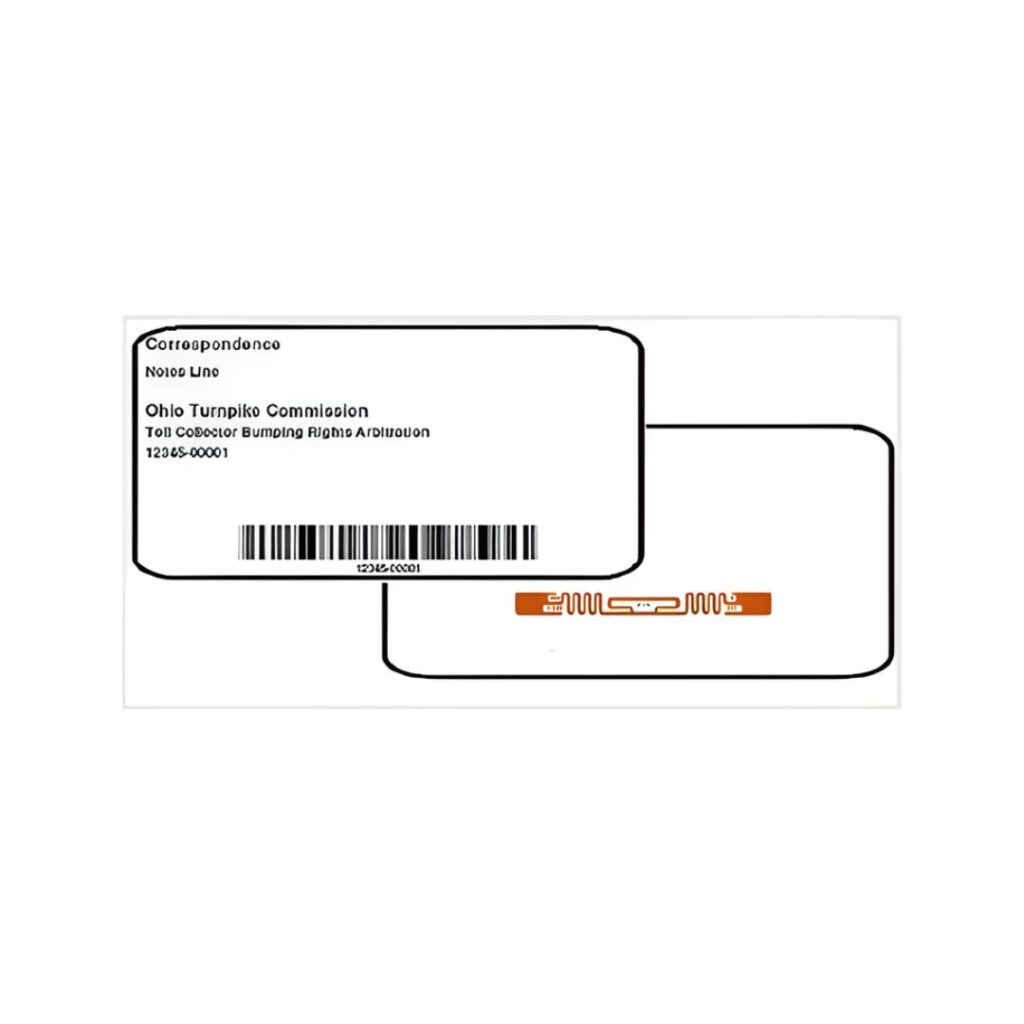
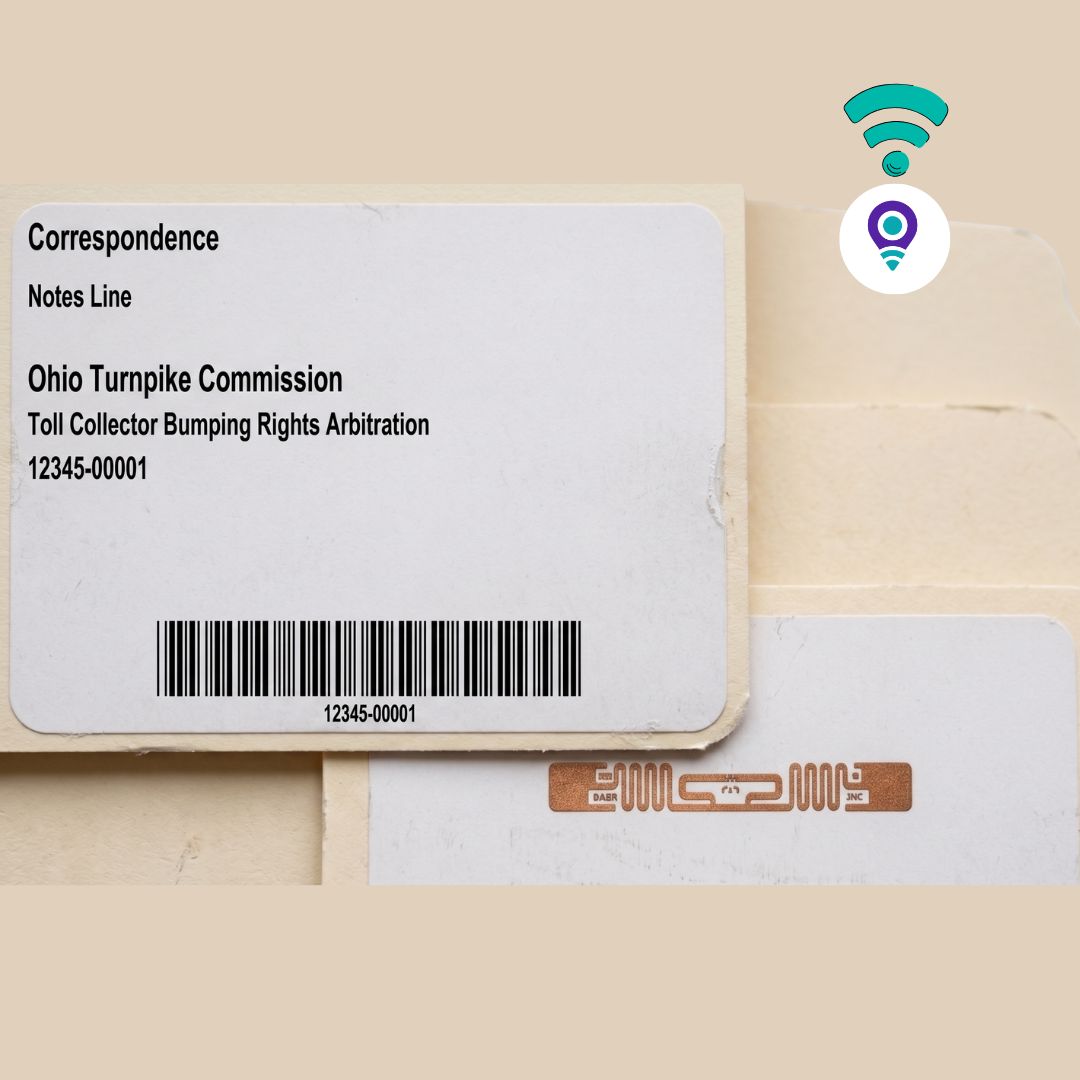
  • Flexible Tagging Options: RFID tags can be applied to folder fronts, side tabs, or top tabs, with various sizes and styles available in sequential rolls or custom-printed formats using your unique data identifiers.

  • Rapid Inventory & Bulk Processing: Utilize RFID-labeled files to perform high-speed batch check-ins and check-outs, as well as rapid, comprehensive inventories of assets in storage or in circulation.

  • Precision Real-Time Tracking: Maintain 100% visibility of documents throughout the facility, significantly reducing time spent locating missing files and preventing unauthorized removals.

  • Plug-and-Play Automation: Streamline workflows by using USB RFID scanners to automate both singular and bulk processing of folders and archives without manual barcode scanning.

find a file technology using rfid
find a file technology

Eliminate Search Time.
Eliminate Hidden Costs.

The "Find-a-File" Mobile Solution using RFID technology

One of the most significant hidden costs in any organization is the time staff spends wandering aisles, opening cabinets, and asking colleagues, “Have you seen the Smith contract?” This is where an RFID based document tracking approach makes a clear difference. The IoTFileTracker mobile scanner eliminates this downtime completely. It transforms the search for a missing document from a frustration-filled hour into a simple, 30-second task.

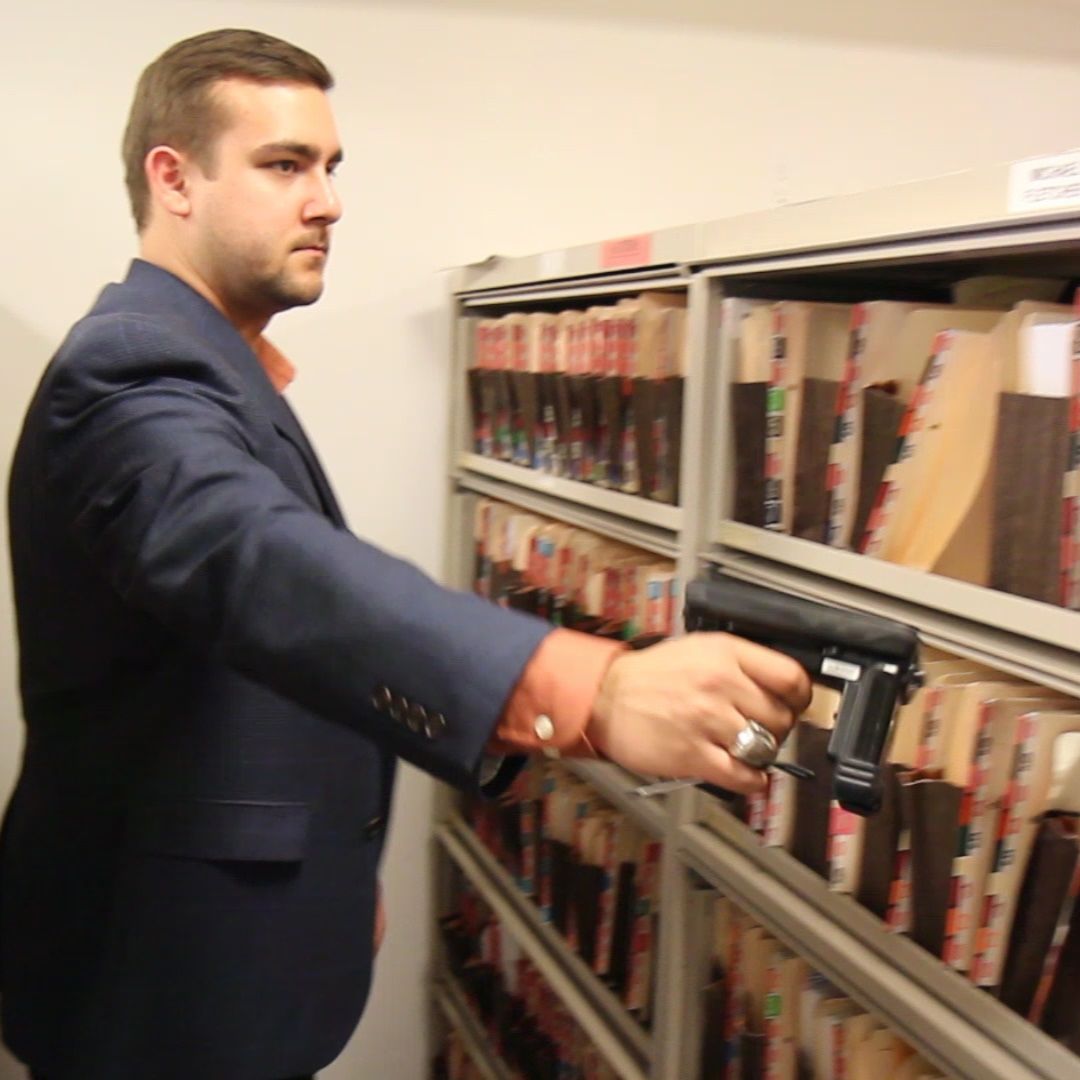
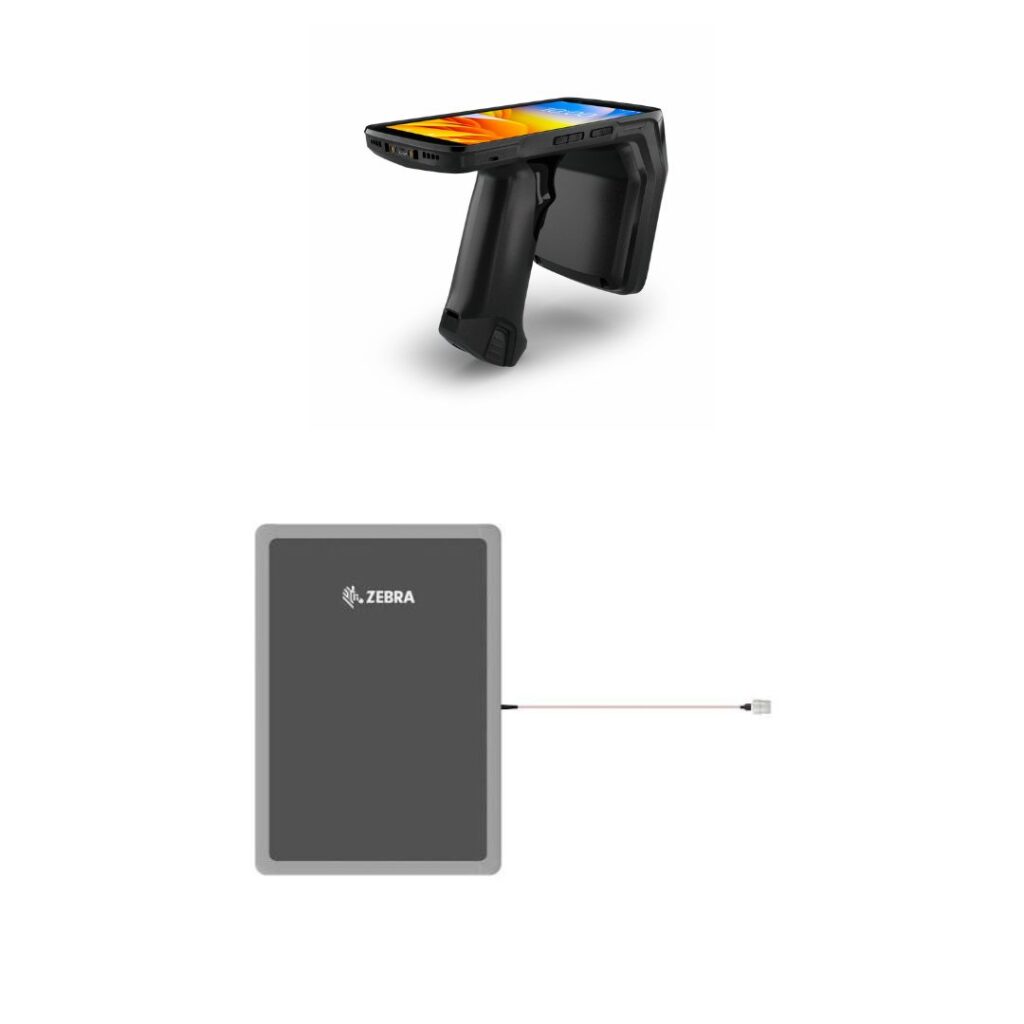
The IoTFileTracker mobile handheld is more than just a barcode reader; it is a long-range radio wave detector. With a detection radius of over 20 feet (6 meters), the scanner can communicate with files hidden inside desk drawers, stacked in closed cardboard boxes, or misfiled on the wrong shelf – All without visual line-of-sight.

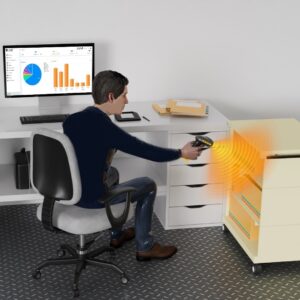
Desktop RFID Reader

The "Find-a-File" Workflow

  • Find-a-File mobile scanner solution transmits radio waves 20’+ to rapidly locate needed files, requiring less than 30 seconds per work area.

  • Enter or select one or multiple files that need to be located, for a one-path location of needed files with a single Search.

  • Scanner beeps when a needed file or archive is located, so that the identified file’s locations can be pinpointed.

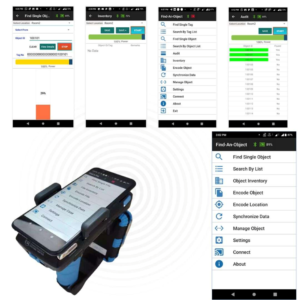
  • Scanner utilizes frequency of beeps, cold-warm-hot color scale and 0 to 100 numeric index to guide Users right to needed files.

Precision Guidance: 3-Way Feedback System

  • Auditory Alerts (Beep Frequency): Similar to a Geiger counter or a metal detector, the scanner emits a beeping sound. As you move physically closer to the file, the frequency increases. A slow beep… beep… indicates the file is in the room. A rapid beep-beep-beep indicates you are standing right next to it.

  • Visual Color Scale (Cold-Warm-Hot): The mobile screen features an intuitive color-coded bar. It displays “Cold” (Blue) when you are far away, transitions to “Warm” (Orange) as you approach, and turns “Hot” (Red) when the file is within arm’s reach.

  • Numeric Index (0-100): For ultimate precision, a digital signal strength meter runs from 0 to 100. If the meter reads “20,” the file is nearby. If it reads “99,” the file is immediately in front of the scanner. This allows users to distinguish between a file on the current shelf versus one on the shelf directly behind it.
Inventory Files in Circulation

Trace, Inventory and Locate Files

  • Mobile RFID scanners have a detection distance of approximately 20’/6 meters +.

  • Mobile scanner scans Location barcodes on office door frames and at other work areas to define the locations at which files are being inventoried.

  • The scanner rapidly scans all files a each location to update the software with current file locations.

  • The scanner also uses beep speed, color-scale and numeric index for finding files.

RFID vs. Barcode: Choosing the Right File Tracking System

FeatureBarcode TrackingRFID Tracking
Scanning MethodManual: Requires line-of-sight; each file must be scanned individually.Automated: Uses radio waves; multiple tags are read simultaneously without line-of-sight.
Tracking SpeedSlow; labor-intensive for large volumes or audits.Rapid: Instant batch scanning and real-time movement detection.
VisibilitySnapshot: Location is only updated when a staff member performs a scan.Real-Time: Continuous visibility as files move past antennas in corridors or doorways.
SecurityReactive; only helpful for knowing where a file was last seen.Proactive: Triggers instant alarms or SMS alerts for unauthorized movements.
Human ErrorHigh risk; files are often moved without being scanned.Minimal: Automation ensures movements are captured even if staff forgets to log them.
ImplementationLower initial hardware cost.Higher initial investment with significant long-term ROI via labor savings.

Which System is Right for You?

Choose Barcode Tracking if:

  • You manage a small office with low file circulation.

  • Budget is the primary constraint and manual labor is readily available.

  • Real-time security and unauthorized movement alerts are not a priority.

Choose RFID Tracking if:

  • Scale Matters: You manage thousands of files, archives, or high-volume daily movements.

  • Security is Critical: You work in Legal, Healthcare, or Government sectors where “missing” files are a liability.

  • You Need Automation: You want to eliminate manual “check-in/check-out” processes and reduce human error.

  • Inventory Efficiency: You need to perform full-room audits in minutes rather than days.

Representatives Projects and Customers

Bank United logo

Bank United

Department of Homeland Security

Johns Hopkins

John Hopkins Medicine

Douglas County Logo

Douglas County, Nebraska

Arrent Fox Law Firm

Arent Fox Law Firm

The Supreme Court Canada

Supreme Court, Canada

NoA A Logo

U.S Department of Commerce

Department of states

Department of State, USA

Department of Labor Logo

Department of Labor, USA

The University of California

Shelby County Sheriff

Public Service Pension Fund

Plains All American Pipeline

Zurich Health

Elanco Animal Health

New Jersey Courts

Federal Civil Service Commision

Provident Bank

JRJ Tax

Republic of Botswana

Republic of Botswana

Department of Transportation

Chicago Housing Commission

USDA

NIST

ONTC Logo

NTC

Proven Impact: How Industry Leaders Utilize IoTFileTracker

Color Coded File Tracking System

Protecting Documents, Defending Your Organization.

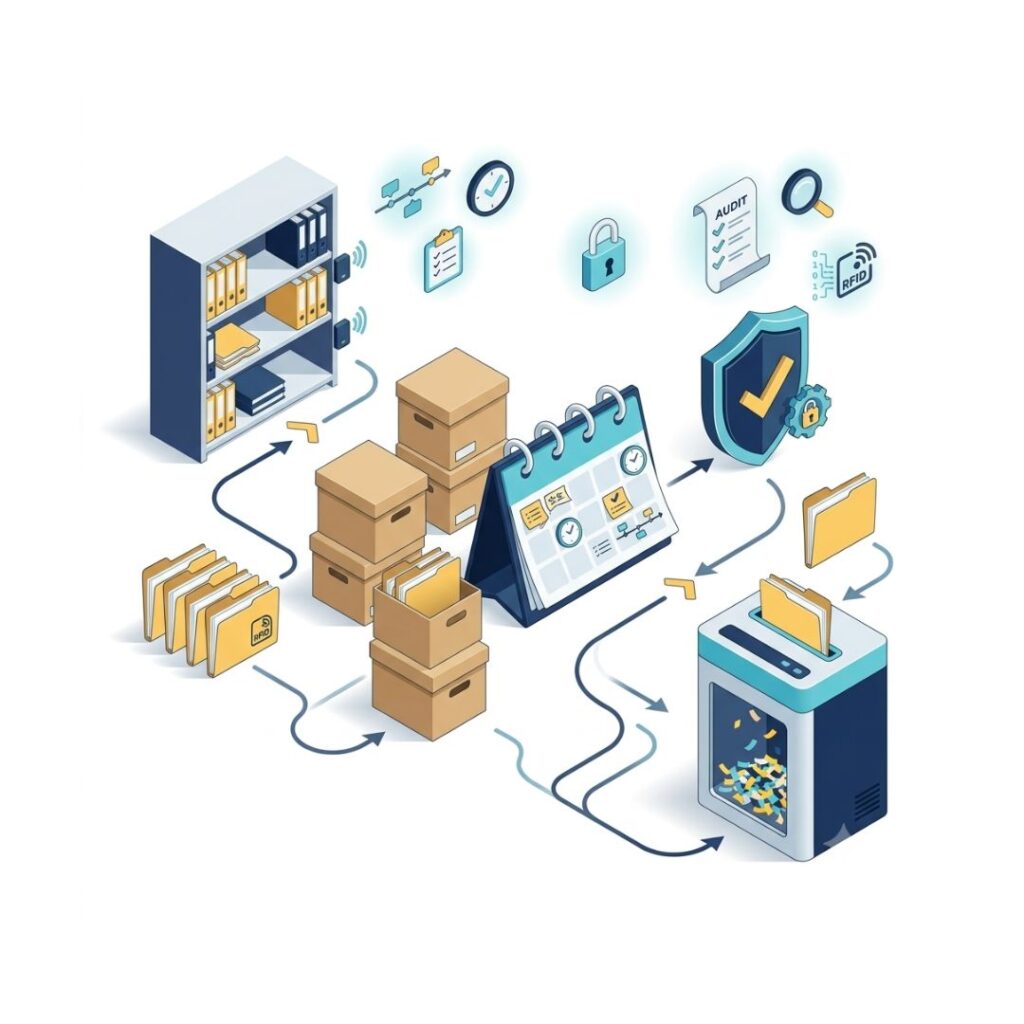
Archive, Retention & File Status

Manage the complete lifecycle of physical records -from file requests and active circulation to retention, archival, and secure destruction. Maintain visibility and control at every stage.

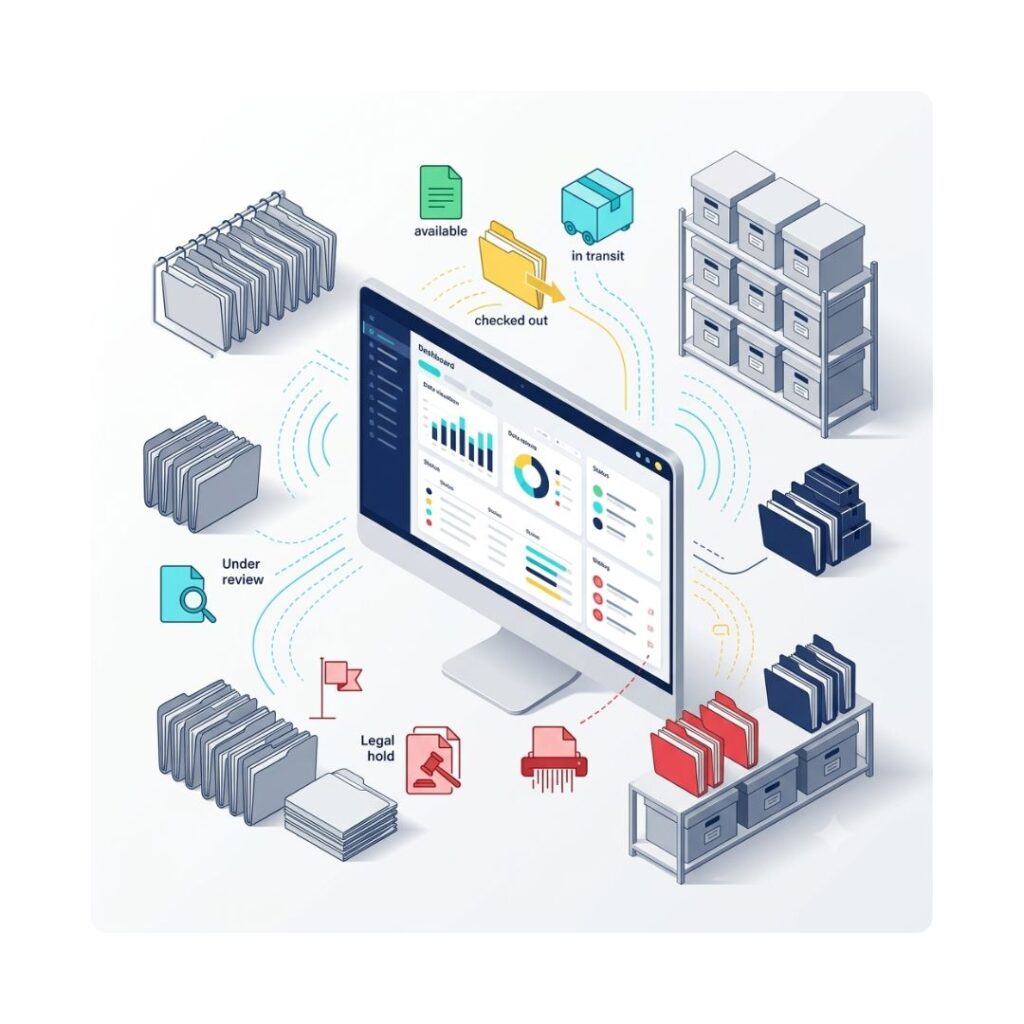
The status engine maintains continuous visibility over physical files, document folders, and archive boxes across storage rooms, departmental desks, and transit paths.

Every physical asset is linked to an active status record that updates automatically via fixed RFID portal scans, handheld reader transactions, or queue-driven workflow events.


Retention Policy & Schedule Governance

Physical assets are indexed with lifecycle metadata to automate compliance with statutory regulations and internal records schedules:

  • Classification & Metadata Tagging: Every record profile captures retention code, statutory retention period, mandated review dates, and scheduled disposal dates at intake.
  • Automated Expiry Tracking: The rules engine monitors file aging against retention policies, flagging files as they near review or disposition thresholds without requiring manual record audits.
  • Proactive Review Alerts: Automated notifications trigger for records managers and business-unit custodians ahead of scheduled review dates, initiating evaluations for retention extension, permanent archiving, or scheduled destruction.
  • Legal Hold Overrides: Application of a Legal On-Hold status instantly halts scheduled review cycles and overrides automated disposal triggers, locking the file against disposition actions until formal clearance is recorded.
  •  

Review, Archival, and Destruction Workflows

Managing the transition from active office circulation to final disposition requires explicit authorization and permanent auditability.

  • Multi-Tier Disposal Approvals: Destruction actions cannot be executed unilaterally. The workflow routes files marked for disposal through a sequential approval chain (e.g., Records Custodian -> Department Head -> Legal/Compliance Officer). Rejection at any step routes the record back for retention schedule modification.
  • Certified Disposal Logging:

    Following physical disposal (e.g., cross-shredding, incineration, or specialized pulp processing), authorized staff log the disposal event. The system generates an unalterable Certificate of Destruction capturing:

    • Asset identity, barcode, and RFID tag EPC

    • Disposal method and authorized witness identities

    • Precise timestamp and disposal vendor authorization details

    • Complete historical custody trail from initial file creation to final destruction


Circulation Queue & Custody Lifecycle Integration

Asset statuses dynamically update as files move through the circulation pipeline, preventing desk retention delays and unrecorded transfers:

  • Requisition (Request Queue): A user submits an issuance request detailing purpose, priority, and required duration. The asset status indicates pending dispatch while remaining physically Available until picked.

  • Fulfillment & Custody Transfer: Records staff pick the file and update its state to In Transit. Upon desk delivery and handover verification, the asset transitions directly to Checked Out, establishing user custody and starting the active loan timer.

  • Release & Return (Ready for Pickup Queue): When tasks are complete, the user flags the asset into the Ready for Pickup Queue, alerting records staff for collection. This terminates desk retention responsibility and shifts monitoring to pickup service SLAs.

  • Repository Inwarding or Re-archival: Upon collection and portal check-in at the record room, custody clears from the user, and the asset status reverts to Available or transitions directly to Archived based on retention schedule settings.

FAQ's

The RFID file tracking software automatically captures file movement through fixed readers and handheld devices. Each tag read updates the centralized database instantly, eliminating manual logbooks and reducing human dependency. This ensures accurate, real-time file status across departments.

The RFID file tracking system defines secure exit zones with rule-based triggers. If a file moves through a monitored doorway without proper checkout authorization, the system generates instant alerts and maintains a digital audit trail for compliance tracking.

An RFID file tracking system reads multiple tagged files simultaneously without line-of-sight limitations. Even densely packed shelves can be scanned in seconds, significantly reducing audit time and improving archival efficiency.

The RFID file tracking software buffers read events locally at the reader level. Once connectivity is restored, queued transactions synchronize automatically with the central system, ensuring no movement data is permanently lost.

The RFID file tracking system links file tags with user ID badges. When both are detected simultaneously within a defined zone, the software assigns custody automatically, creating traceable responsibility records.

Yes. RFID file tracking software uses zone-based logic. Movement within internal zones is logged as relocation, while exit through predefined secure portals is categorized as checkout, based on configured business rules.

The RFID file tracking system maintains timestamped logs of every file interaction. Detailed movement history, custody records, and exception reports help organizations meet compliance standards and simplify audit verification processes.

The system supports centralized dashboards with distributed readers across branches. RFID file tracking software consolidates all site data into a unified reporting interface, enabling enterprise-level scalability and governance control.

File Lifecycle Management
Protecting Documents and Files

Protecting Documents, Defending Your Organization.

Security, Compliance, and Lifecycle Management

Security is not an add-on module; it is the fundamental architecture of IoTFileTracker.  As an Advanced Records Management Software and RFID file management system. We understand that for legal firms, healthcare providers, and government agencies, a lost file is not just an inconvenience – it is a liability. Our system provides a multi-layered security framework that manages both digital user privileges and physical asset access.


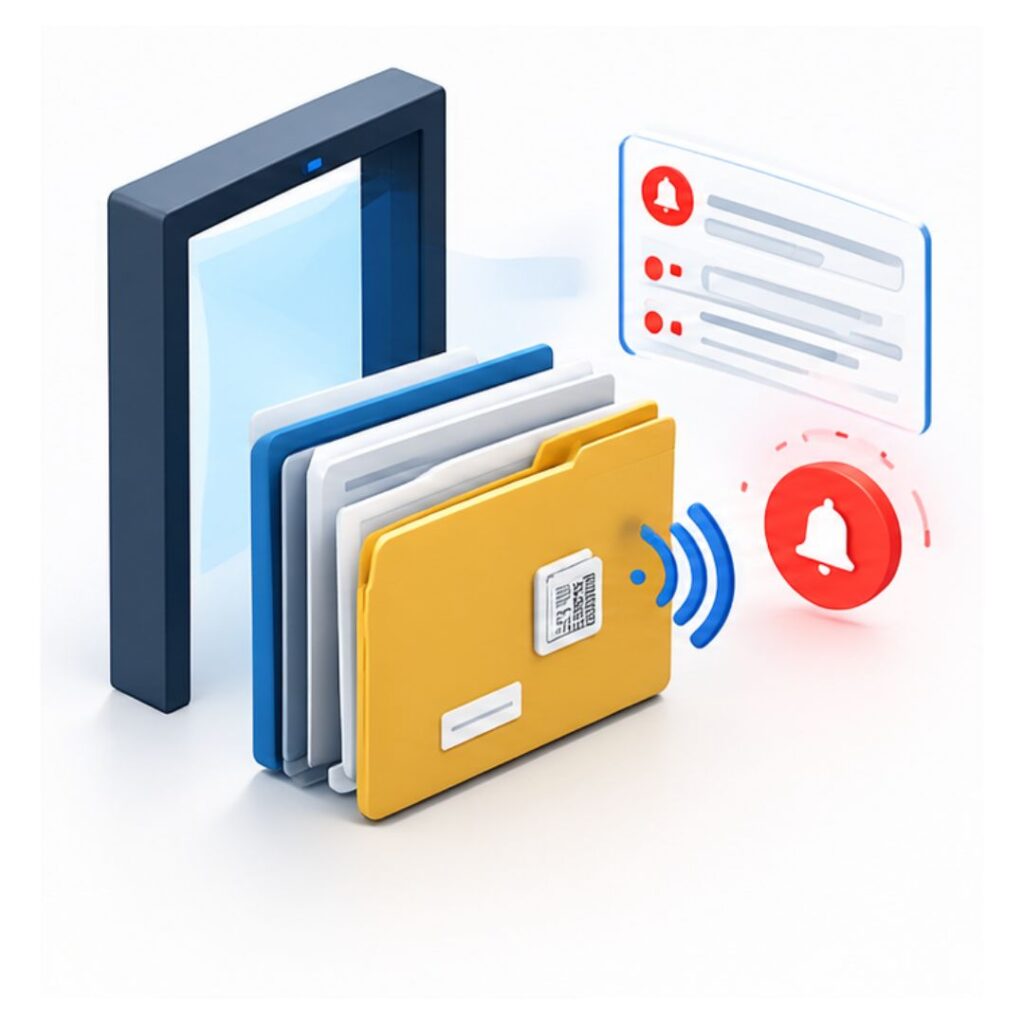
Proactive Theft Prevention with notifications & alarms

  • Smart Doorways: By placing RFID antennas at exits, the system acts as a digital gatekeeper. It instantly compares the file passing through the door against the user’s authorization level.

  • The ” unauthorized removal” Logic: If a file marked “Confidential” or “Restricted” approaches an exit without a prior authorized checkout command, the system triggers an immediate response.

  • Automated Alert Protocols: The response is customizable based on your business rules. It can trigger physical alarms (flashing strobe lights and audible sirens) to deter the theft locally. simultaneously, the software sends silent alerts via Email and SMS to security managers and department heads, identifying exactly which file is being taken and at which door.

  • Camera Integration: The system can trigger CCTV cameras to timestamp and snapshot the specific event, providing visual evidence of the security breach.

Irrefutable Audit Trails & Compliance

  • The “Who, What, Where, When”: Every time a file is moved, viewed, checked out, or inventoried, it is recorded in the Audit Log.

  • Regulatory Readiness: Whether you are audited for HIPAA, GDPR, ISO, or internal corporate compliance, you can generate comprehensive reports in seconds. You can prove exactly who had a medical record or a legal contract at any specific moment in time.

  • User Accountability: Defined User Software Privileges ensure that staff only have access to the data relevant to their role, further securing the digital side of your records management.

Configure the File Information Your Organization Needs

  • Customize the information captured for every physical file, document, folder, or archive box. RFID File Tracking lets organizations create configurable fields based on their records-management requirements.
  • Depending on your workflow, metadata can include:

    • File Number
    • Document Number
    • Box Number
    • File Title or Name
    • Category or Classification
    • Department
    • Volume Number
    • Folder Type
    • Current Location
    • Custodian
    • Creation Date
    • Archival Date
    • Retention Period
    • Review Date
    • Destruction Date
    • Custom organization-specific fields
  • Each physical record gets a centralized digital profile, combining its RFID identity, metadata, location, status, and movement history for complete visibility throughout its lifecycle.

File and Archives Security

Files may hold sensitive organizational and-or personal information, and it may be important or critical to monitor file transfers and to secure files against removal from facilities in an unauthorized manner. IoTFileTracker supports multiple security capabilities that each customer can choose to implement or can choose not to implement. It largely depends on the sensitivity of the documents and information within files.

Folder and Archives Put-Aways and Inventories

Mobile barcode scanners can be utilized with PDA phone-style devices or tablets to automate records management functions.  Each shelf or drawer can be barcoded, enabling scanning of storage location barcodes and folder or archive barcodes so that the software knows where files are located.  Files-in-circulation can be scanned so that the software always knows the most current location of files.  Archives and files can be inventoried and audited for records management compliance.

Folder-to-Archives Scanning and Software Updates

IoTFileTracker can print archive labels to identify boxes and other archive storage media, and also supports the use of 3rd party archive management systems and the barcodes that such systems utilize.  Staff need the ability to query the file management software and know the archive box/media that the file is located within, and archives staff need to know where the box is located that has the folder(s) required.  IoTFileTracker establishes parent-child relationships between archive and folders for fast and easy access.

Authenticating Personnel Receiving Files

File checkout processes should always include method for authenticating the person receiving file(s). This can be familiarity with the person and inputting their ID # or name to the software to indicate the transfer-of-custody of the file(s) to the recipient. Or, personnel authentication can be based on viewing and scanning an ID card. For highly secure operations, IRIS scans and facial recognition can be utilized. Once a person is identified, the software displays a Personnel Profile Data Screen that shows photo of the recipient and essential data about the person so that file transfers can be secure.

Validating File Transfer-of-Custody

In certain records management environments, when files are transferred the recipient can be required to sign an electronic signature pad to validate acceptance of the file(s) that they receive. Many organizations still have recipients of files sign the front of the folder and/or sign a Registry binder. Fingerprints, PIN #’s and other methods can also be utilized to validate transfer and acceptance of files and provide validation of the recipients of files, including recipient, date and time. The signature, PIN # or otherwise saves to software Record audit trails that provide a complete history of file movements.

Confirming Folios-Documents within Folders

Regardless of how effectively files and archives are managed, tracked and secured, it is a significant challenge to ensure that the correct documents are in files at all times, when checked-out and when checked-in. It is also important to ensure that there are no misfiled documents in folders that actually belong in a different folder. IoTFileTracker enables unique identification of folios with RFID inlays and innovative ‘Folio Verify’ software and hardware capabilities that scan all of the folios within folders to ensure that that all folios are accounted-for at time of check-out and check-in, and verified in database.

Knowledge Centre

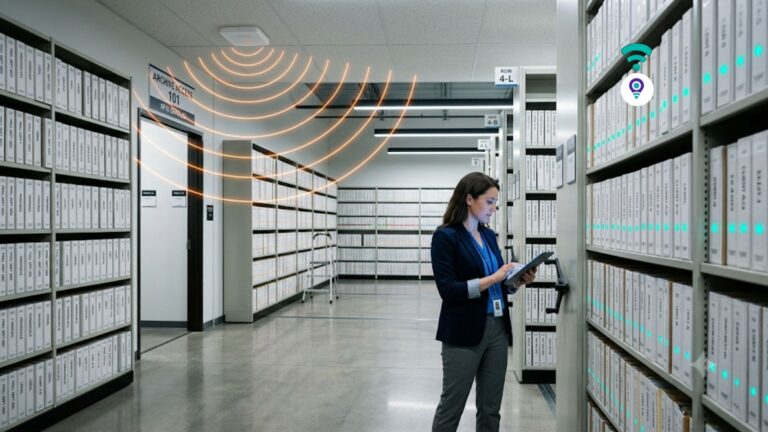
File Tracking for Banks: How RFID Check-In / Check-Out Keeps physical documents audit-ready
08Oct

File Tracking for Banks: How RFID Check-In / Check-Out Keeps physical documents audit-ready

Key Takeaways What Is File Tracking for Banks? File tracking for banks is a system that records the location and custodian of every physical record, such as loan files, KYC folders, account-opening documents and credit committee packets. Using RFID tags and scanners, each issue and return is logged automatically, replacing…
The Cost of Implementing RFID for Document Archives: A Practical Budget Guide
23Sep

The Cost of Implementing RFID for Document Archives: A Practical Budget Guide

Every records manager eventually asks the same question about RFID: What will it cost? The honest answer is that it depends on the size of your archive, the number of doors and rooms you want to monitor, and how much automation you need. It is also far more affordable than…
Zone based File Tracking via Fixed RFID: The Feature That Tracks Files Without Anyone Scanning Anything
31Aug

Zone based File Tracking via Fixed RFID: The Feature That Tracks Files Without Anyone Scanning Anything

Most file tracking systems only update a record when someone remembers to scan something, and that single dependency is where accuracy quietly falls apart. A busy clerk grabs a folder on the way to a meeting and skips the scan. A file gets handed off in a hallway conversation instead…
Records Management Consulting by building efficient, secure, and compliant File Systems with IoTFileTracker
12Aug

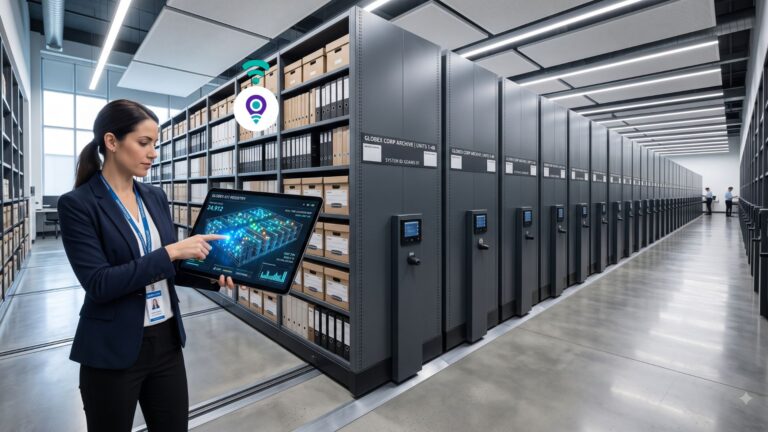
Records Management Consulting by building efficient, secure, and compliant File Systems with IoTFileTracker

In the high-stakes world of information governance, many organizations mistake technology for a strategy. They assume that purchasing a piece of software will automatically resolve decades of fragmented indexing, inefficient workflows, and compliance gaps. However, true operational excellence in physical records management is not a product of software alone; it…
The “Invisible” RFID File Tracker. How to Keep Eyes on Documents at Every Desk
16Jul

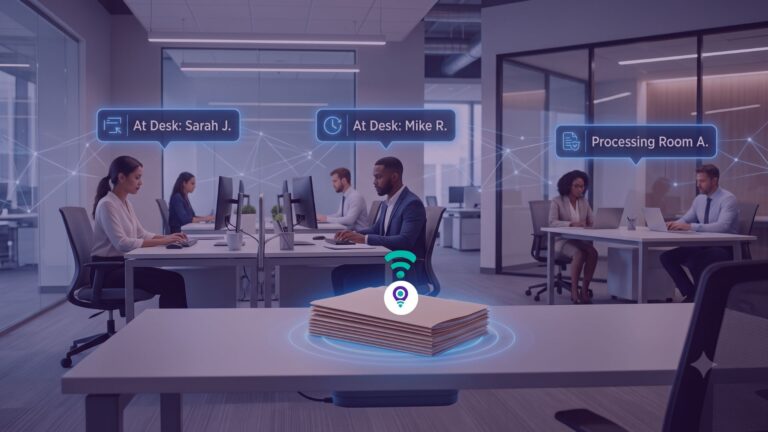
The “Invisible” RFID File Tracker. How to Keep Eyes on Documents at Every Desk

In the life cycle of a record, the file room is the start and end point, but it is rarely where the most critical work happens. Organizations create and store files for use, and that use typically involves moving a folder from a central repository to a desk, office, or…
How to Set Up a File Tracking Management System for Accurate File Tracking and Inventory Reporting
19Jun

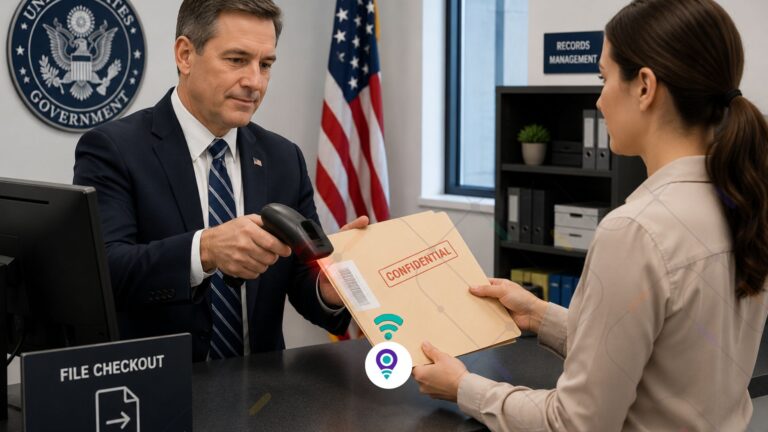
How to Set Up a File Tracking Management System for Accurate File Tracking and Inventory Reporting

Why Inventory Reporting is Essential for Records and Asset Control There is a critical difference between knowing where a file is and being able to prove where it is. For government agencies, healthcare providers, and legal institutions, that difference can mean the gap between a passed audit and a regulatory sanction. Most organizations still…

One Tracking Ecosystem. Infinite Possibilities.

The file tracking solution can also be easily scaled for additional applications, such as office or industrial assets, equipment, parts, tools, and many other item-types.  And for specialized applications like weapons, evidence, rail/truck container and for other applications.  As a vendor for tracking, accountability and security, we can provide whatever you require for whatever purpose.

By combining precision tracking with real-time analytics, compliance assurance and seamless integration with your backend data sources, Tracker IoT becomes a central nervous system node of you operations – helping you achieve greater visibility, efficiency, customer service, financial performance and government/industry compliance.

Scroll to Top