Why Inventory Reporting is Essential for Records and Asset Control
There is a critical difference between knowing where a file is and being able to prove where it is. For government agencies, healthcare providers, and legal institutions, that difference can mean the gap between a passed audit and a regulatory sanction.
Most organizations still use static spreadsheets or handwritten logs to manage physical records—making these approaches outdated the moment they save them. The result is what records managers call “tribal knowledge”: only one person knows where a specific file is, and when that person is absent, the file is effectively missing.
40%
of misfiled records are never recovered
150+
labor hours lost per month to manual searching
$14k
avg cost per lost or misfiled critical record
The core risk: Manual inventory processes are not just labor-intensive – they are fundamentally incapable of producing the time-stamped, verifiable chain-of-custody evidence that modern compliance frameworks require. A file tracking system is not optional infrastructure. It is the control layer that makes records governance possible.
What a File Tracking Management System Actually Does
A file tracking management system is a combined hardware-software platform that monitors the physical location, movement, and custody of your records in real time. It replaces manual counting and spreadsheet logging with automated RFID-based data capture — feeding a central database that generates actionable inventory reports on demand.
In the IoTFileTracker ecosystem, the platform functions as a Single Source of Truth. It does not just tell you where a file is right now — it tells you where it has been, who last held it, when it moved, and whether its current location matches its expected location. That combination of real-time file visibility and historical audit trail is what separates a file tracking management system from a simple barcode scanner.
Core capabilities at a glance
- RFID-based file location tracking without line-of-sight scanning
- Real-time exception alerts when files are misplaced or overdue
- Electronic chain-of-custody with signature capture on checkout/transfer
- Automated inventory reports in CSV, Excel, and HTML formats
- Custom metadata fields for project codes, retention dates, and classifications
- Scheduled report delivery to department heads and compliance officers
Prerequisites: What to Prepare Before Deployment
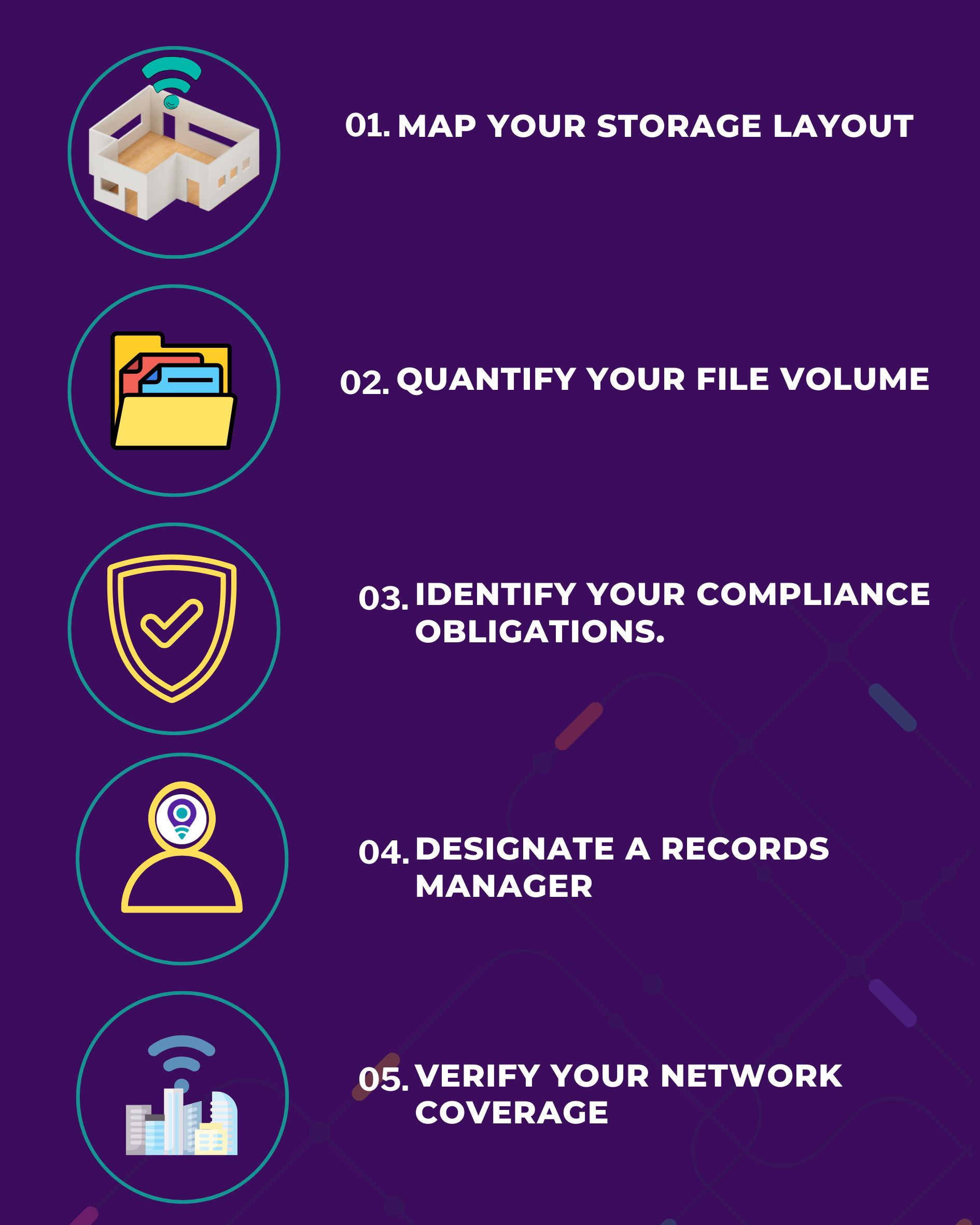
Before deploying IoTFileTracker file tracking management system in your facility, complete this readiness checklist. Skipping these steps is the most common cause of slow rollouts and inaccurate initial inventory counts.
| Map your storage layout | Document every room, shelf row, cabinet, and off-site storage location where records are held. Assign a unique location code to each position. |
| Quantify your file volume. | Determine the total number of active folders and boxes to be tracked. This determines how many RFID tags and scanner units you will need. |
| Identify your compliance obligations. | Know whether your organization is subject to HIPAA, FOIA, SOX, state retention laws, or legal discovery requirements before configuring retention metadata fields. |
| Designate a records administrator. | Assign one person who will own the system, approve report templates, and manage user access permissions. |
| Verify your network coverage. | Ensure that Wi-Fi or LAN connectivity is available in all areas where handheld scanners will be used for real-time data sync. |
How to Deploy IoTFileTracker File Tracking Management System for Inventory Reporting
Follow these six steps in sequence. Each step builds on the previous one — attempting Step 4 before completing Step 2, for example, will produce an unreliable baseline inventory.
Audit and map your existing records environment
Walk every storage area and photograph shelf layouts. Record the physical address of each location (Building → Room → Row → Shelf → Position) and enter this hierarchy into the IoTFileTracker location database. This location tree becomes the backbone of every inventory report you will ever run.
Tag every file folder and box with an RFID label
Attach an RFID label to the spine of each folder. As you tag, scan each label with the enrollment app to register the file’s ID number, document type, owning department, retention date, and current location in the central database. This is the only step that requires sustained manual effort — do it once, and the system handles updates automatically from this point forward.
Deploy RFID readers at key control points
Install fixed RFID readers at doorways, checkout stations, and transfer points where files move between custody. These readers passively detect any tagged file that passes through, automatically logging a movement event with a timestamp and the identity of the staff member who triggered it. Equip records staff with handheld RFID scanners for shelf sweeps and spot checks.
Run your first full-facility inventory sweep
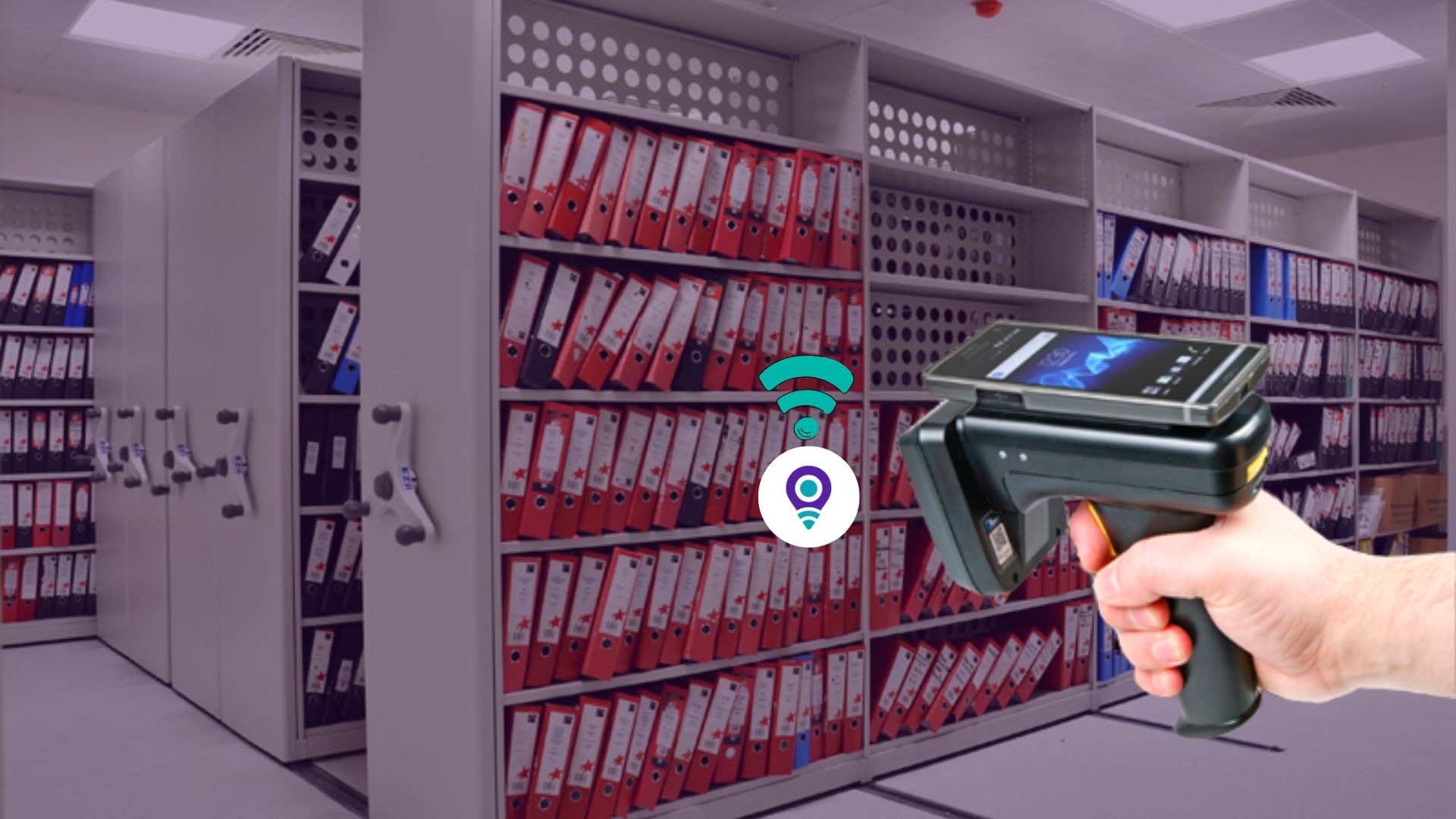
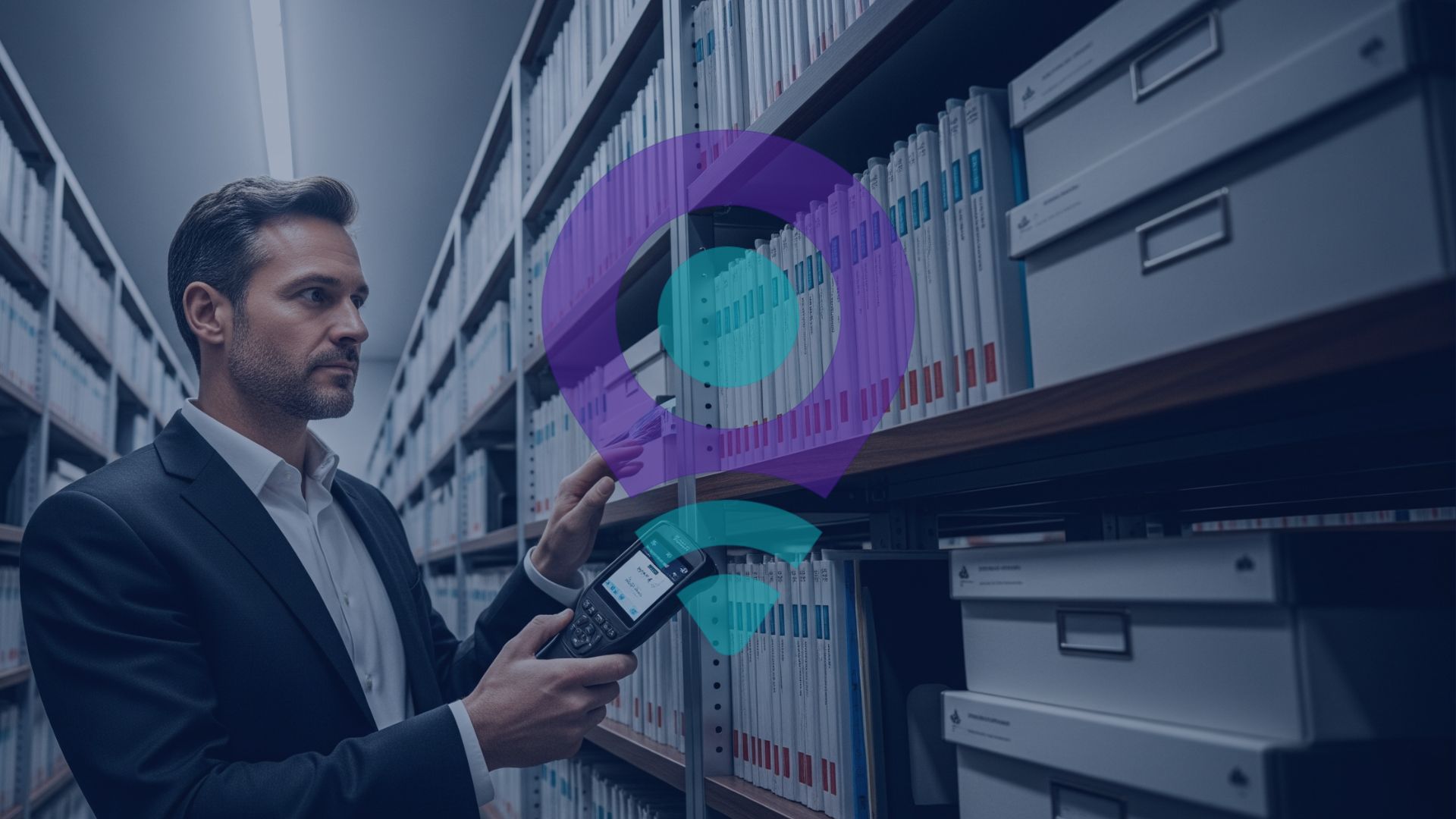
With all files tagged and readers deployed, conduct a complete “shelf sweep” using handheld RFID scanners. A staff member walks each row and waves the scanner across the shelves — no need to remove folders or scan one at a time. IoTFileTracker file tracking management system reads every tag in range simultaneously and compares the detected files against the expected locations in the database. This sweep produces your baseline inventory snapshot: the confirmed starting point for all future reporting.
Configure your report types and dashboards
Navigate to the Reports module in IoTFileTracker. Enable the standard report templates (see Section 5 below) and customize any fields specific to your organization — project codes, classification levels, or custom retention categories. Set your preferred export format (CSV for analysts, HTML for dashboards, Excel for compliance binders). Save each configured report as a named template so it can be re-run with a single click.⟶ Deliverable: at least 4 named report templates saved in the system.
Automate report distribution to stakeholders
Use the Scheduled Reports feature to configure automatic delivery. A typical setup includes: a Daily Inventory Snapshot emailed to the records administrator each morning; a Weekly Exception Report delivered to department heads every Monday; and a Monthly File Chain-of-Custody Summary sent to the compliance officer. Automation removes the dependency on manual reporting and ensures that no stakeholder is ever working from stale data.⟶ Deliverable: at least 3 active scheduled report distributions configured.
The 4 Reports Every Records Manager/ Admin person Needs
A well-configured file tracking management system does not produce one report — it produces a suite of views that each answer a different operational question. Here are the four report types that IoTFileTracker delivers out of the box.
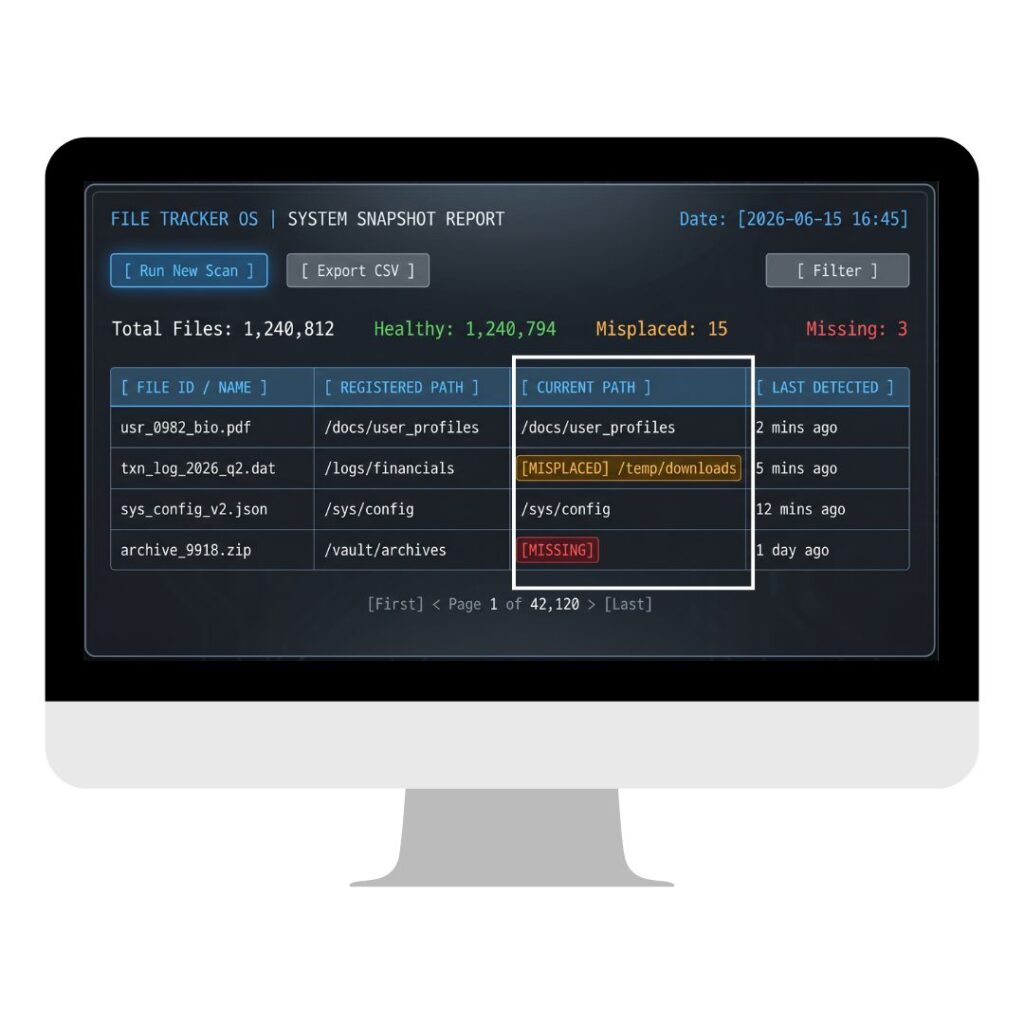
Current Inventory Status
A point-in-time snapshot of every file in the system: where it is now, whether that matches its registered location, and when it was last detected. This is the foundational report for daily operations and the starting point for any audit.
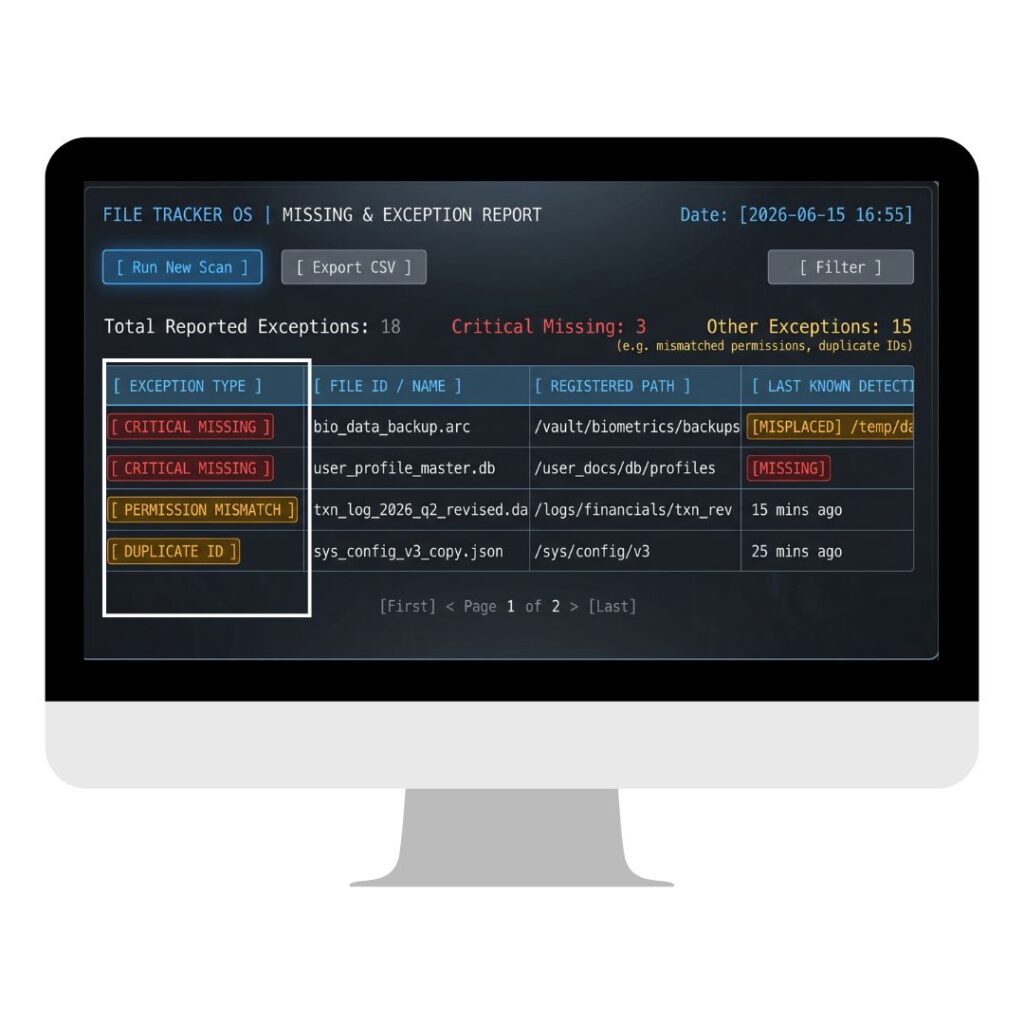
Missing & Exception Report
The most operationally critical report. Shows every file that was expected in a specific location during the last inventory sweep but was not detected. Replaces aimless searching with a targeted list of exactly what is unaccounted for — and where it was last seen.
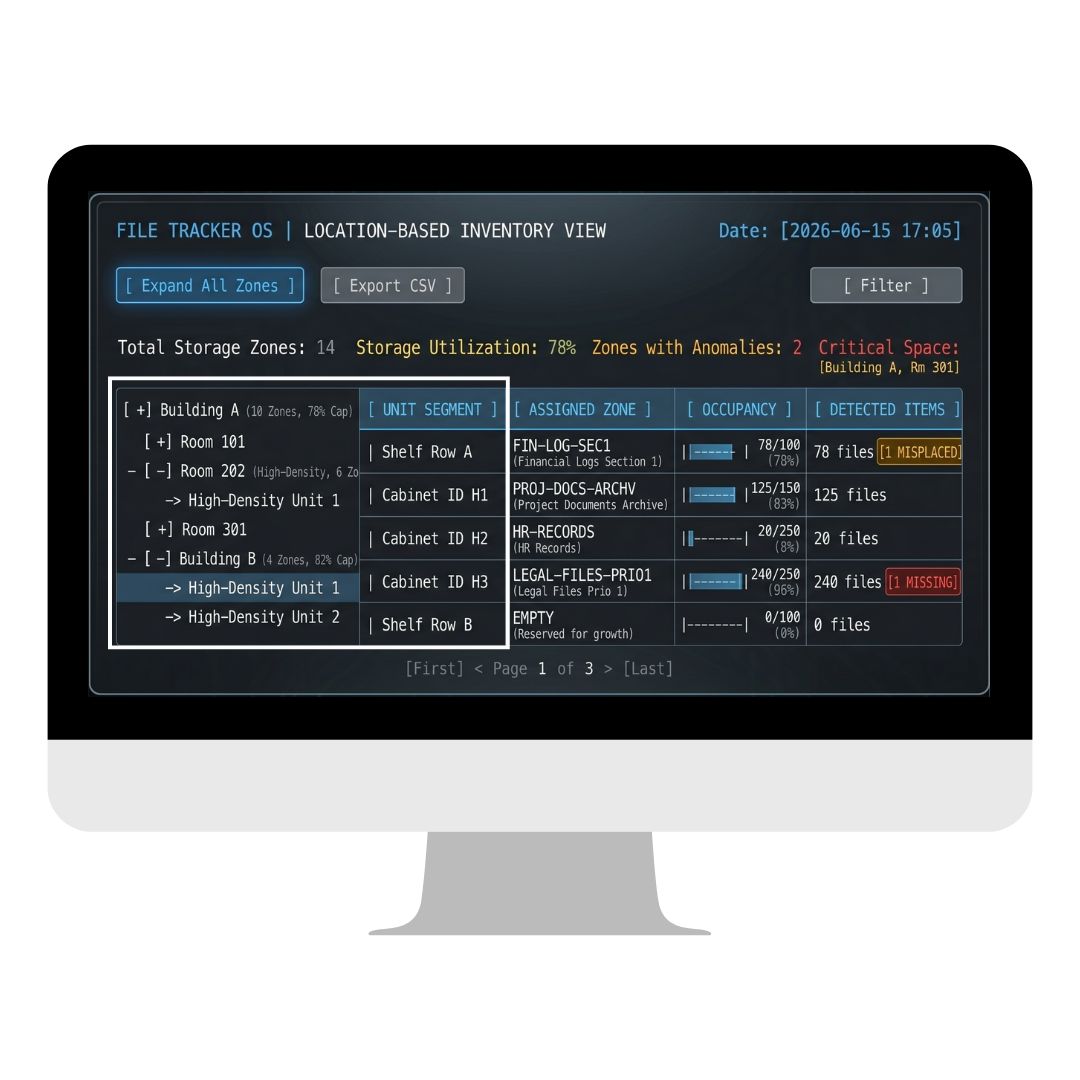
Location-Based Inventory View
Breaks down the inventory by physical location: building, room, shelf row, or individual cabinet. Essential for space planning, high-density shelving optimization, and verifying that records are being stored in their correct designated zones.
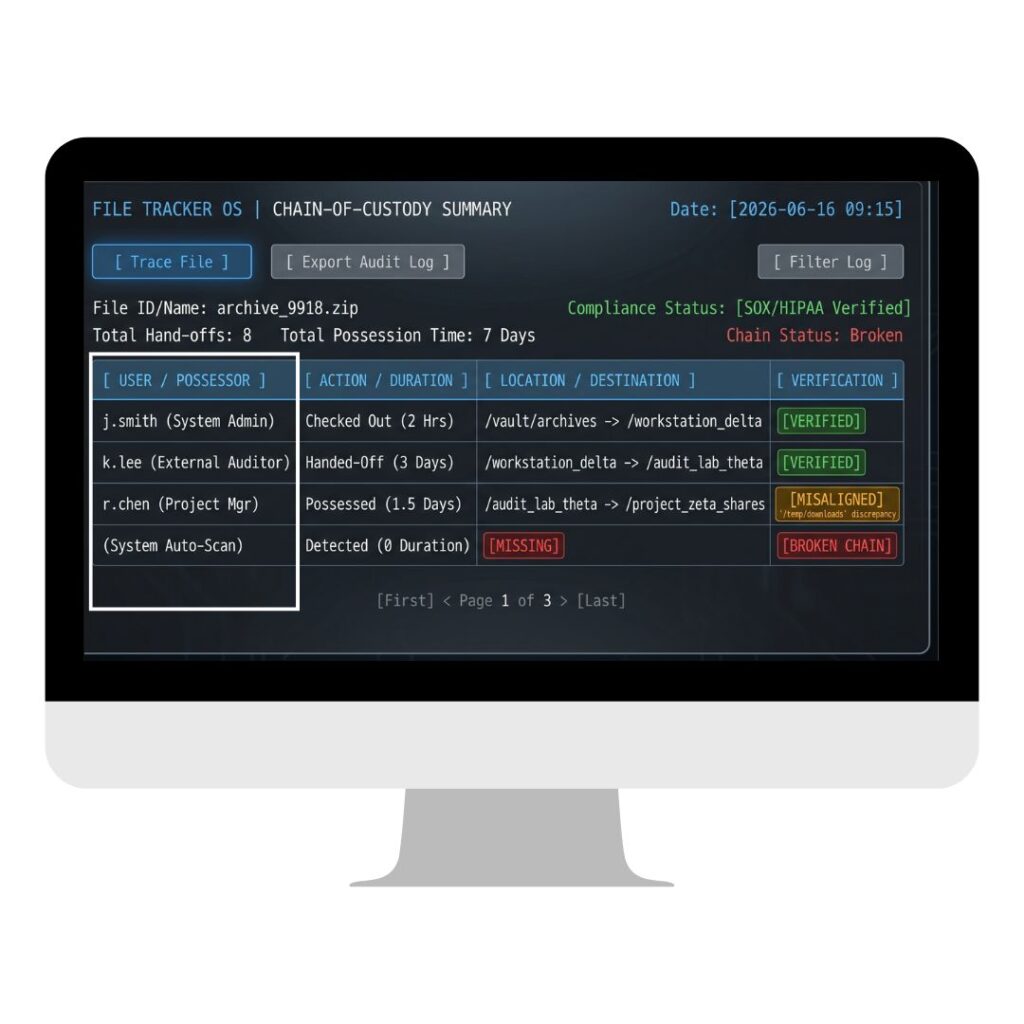
Chain-of-Custody Summary
A chronological log of every person who has possessed a specific file: who checked it out, when, for how long, and where it went next. The gold standard for legal discovery, internal investigations, and HIPAA/SOX compliance audits.
Standard vs. Custom Reports
The four report types above cover approximately 90% of use cases in most records environments. For the remaining 10%, IoTFileTracker’s custom report builder lets you filter by any metadata field – specific project codes, unique retention classification levels, or custom department tags – and save the result as a reusable template.
Industry-Specific Compliance Requirements
The core system configuration is identical across industries. What differs are the metadata fields, retention rules, and regulatory frameworks that shape which reports are run and how often.
| Industry | Primary Regulation | Critical Report Type | Priority |
|---|---|---|---|
| Government | FOIA, State Records Laws | Location-Based Inventory View, Chain-of-Custody | High |
| Healthcare | HIPAA | Access Logs, Missing File Exceptions | Critical |
| Legal | Evidence Rules, Discovery | Chain-of-Custody Summary | Critical |
| Financial | SOX, SEC Retention | Inventory Status, Exception Reports | Medium-High |
| Enterprise HR | EEOC, State Privacy Laws | Access Logs, Retention Compliance View | Medium |
Frequently asked Questions
A file tracking management system is a software and hardware solution that monitors the physical location, movement, and chain of custody of records and file folders in real time. IoTFileTracker uses RFID technology to automate this tracking without requiring manual scanning of individual items.
Barcode File Tracking systems require line-of-sight: staff must point a scanner directly at each label. RFID reads multiple tags simultaneously without line-of-sight, so a single pass of a handheld reader can detect every folder on an entire shelf in seconds. This makes RFID shelf sweeps approximately 10–15x faster than equivalent barcode audits.
Yes. IoTFileTracker produces time-stamped, verifiable chain-of-custody summaries, exception reports, and location-based inventory views. These reports include all metadata required to demonstrate physical control over sensitive records during a regulatory audit — including who accessed each file, when, and from which location.