
In the high-stakes environment of enterprise records management, the transition from manual logs to automated RFID file tracking is often met with a logistical question: How do we label thousands of folders without disrupting daily operations? While high-speed industrial roll printers have their place, many organizations—particularly those in the legal, healthcare, and government sectors—require a more flexible, visually intuitive solution.
This is where RFID sheeted labels and the specialized RFID commissioning process within the IoTFileTracker platform become indispensable. By leveraging the existing office infrastructure and the power of IoT, organizations can bridge the gap between physical archives and digital visibility with surgical precision.
Why Accurate Labeling is Foundational to RFID File Tracking
At its core, an RFID system is a data-exchange ecosystem. Every physical folder must carry a unique digital identity that broadcasts its information through radio waves to enable the file tracking system to function. Accurate labeling is the moment this identity is born.
Applying a label poorly or associating data incorrectly during the setup phase compromises the system’s integrity. In compliance-heavy industries, a single “ghost file” (a folder that exists physically but is invisible to the digital system) can lead to failed audits, legal discovery sanctions, or delayed patient care. Choosing the right labeling medium builds a stable, long-term foundation for an effective records management RFID strategy.
What Are RFID Sheeted Printable Labels?
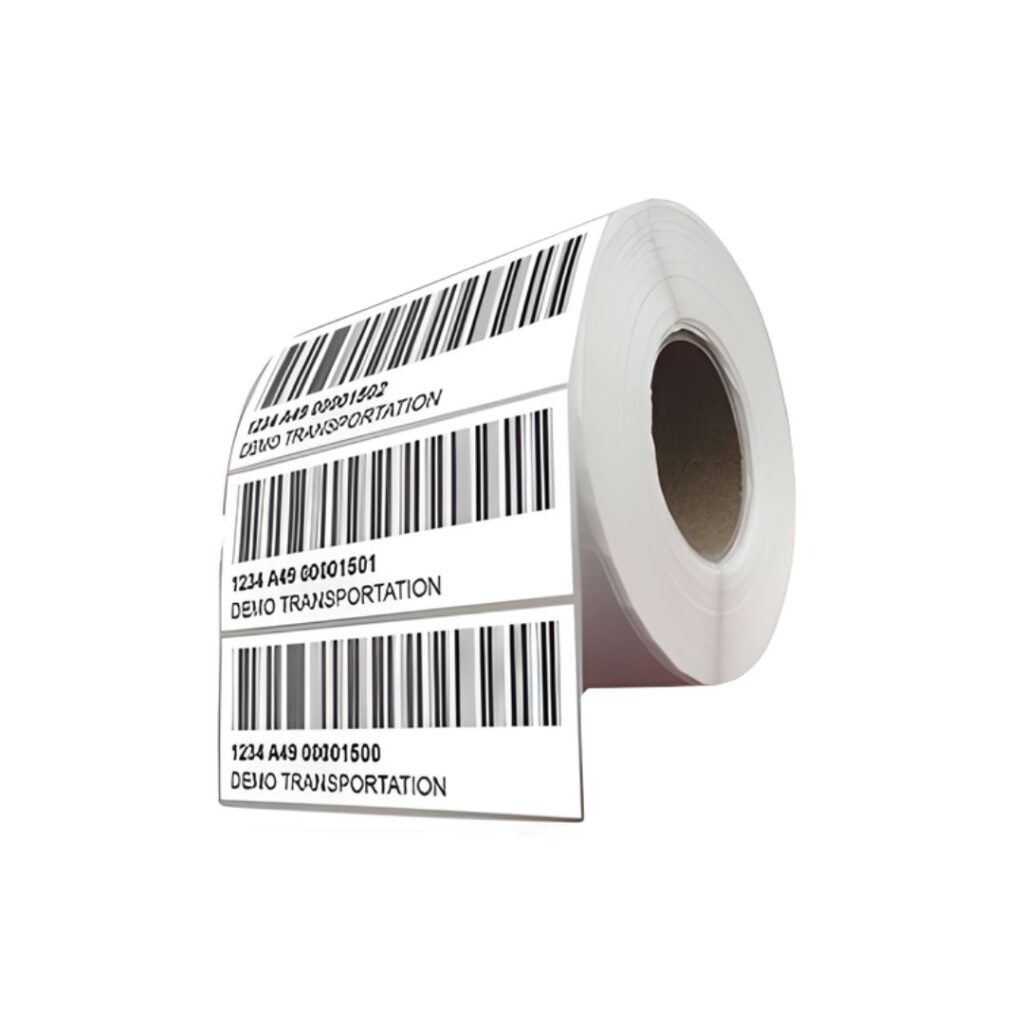
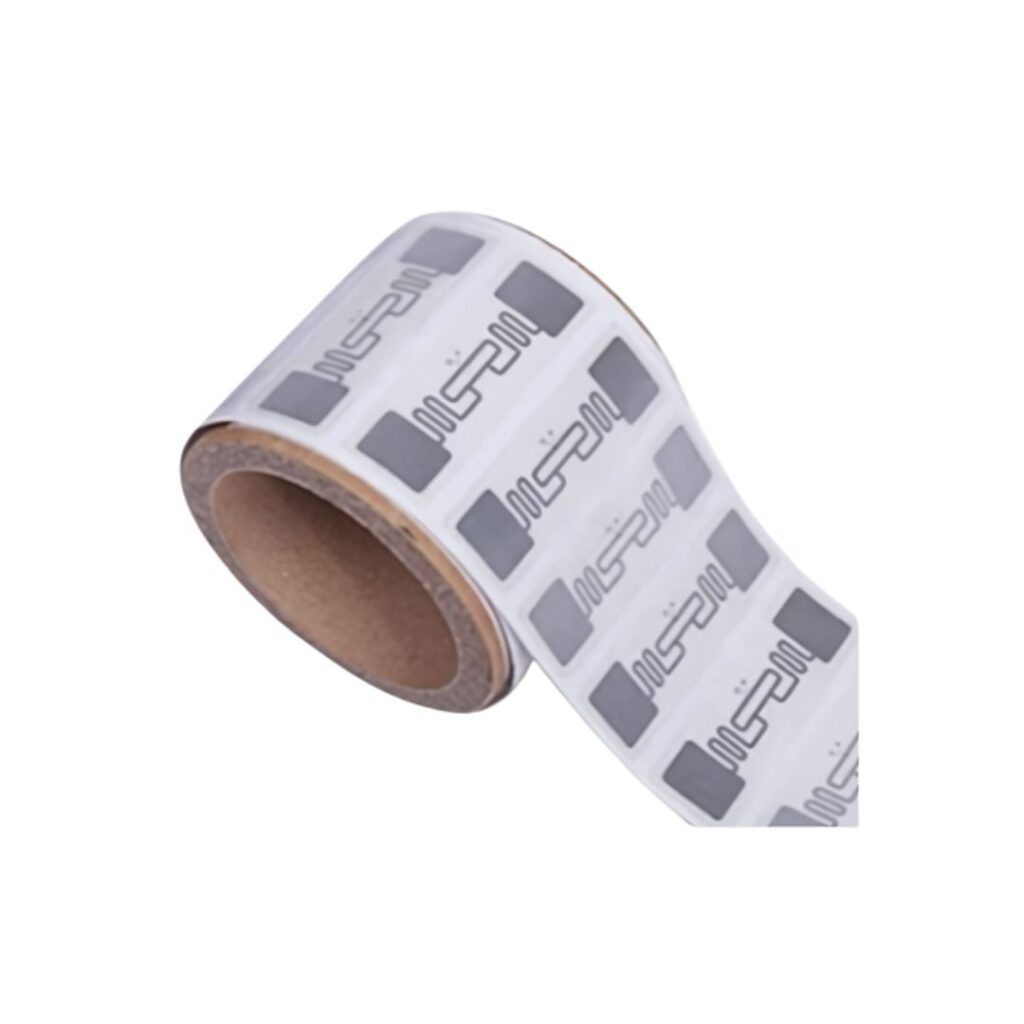
RFID sheeted labels as specialized tracking assets provided in a standard 8.5″ x 11″ format. Each sheet contains multiple adhesive labels, and embedded within each label is a thin RFID inlay—consisting of an integrated circuit (the chip) and an antenna.
Differences Between Sheeted and Roll-Printed Labels
The primary difference lies in the printing hardware and the workflow:
- Roll Labels: Require dedicated thermal transfer RFID printers. These printers encode the chip at the same time they print the text.
- Sheeted Labels: Manufacturers design these labels to pass through standard office laser or inkjet printers. Because standard office printers do not have internal RFID encoders, these labels require a secondary step known as RFID commissioning via the IoTFileTracker software.
Advantages of Sheeted RFID Labels
Many records managers prefer sheeted labels because they offer a blend of high-tech tracking and traditional visual management.
Support for Color-Coding and Text
Unlike thermal roll printers, which are generally limited to black ink, sheeted labels allow for full-color printing. This is critical for organizations that utilize color-coded file folders. You can print vibrant alpha-numeric color blocks, high-resolution barcodes, and detailed text descriptions all on a single RFID-enabled label.
Use of Standard Office Printers
There is no need to invest in expensive, specialized hardware. Your existing fleet of office printers can generate these labels, making it easier to decentralize the labeling process across different departments or satellite offices.
Operational Flexibility
Sheeted labels are ideal for “on-demand” filing. When a new file is created, a staff member can simply print a single sheet, apply the label, and use IoTFileTracker to activate the tag in seconds.
Label Placement Options for File Tracking
Where you place a label on a folder significantly impacts its “readability” by RFID sensors. IoTFileTracker to work with various placement strategies:
- Side Tab: The preferred choice for open-shelf filing. Wrapping the label around the side tab ensures the antenna is visible to handheld scanners moving down an aisle.
- Top Tab: Standard for drawer-based filing systems.
- Folder Front/Inside: Used when the label needs protection from external abrasion, though this can slightly reduce the read range of certain RFID scanners.
Best Practice: Consistency is key. Labels should be applied in the same location on every folder to ensure that an RFID sweep catches every tag in the same orientation.
Label Sizes and Use Cases
RFID sheeted labels come in various dimensions to match specific filing workflows.
- Small Tabs (e.g., 2″ x 1″): Ideal for standard file folders where space is limited.
- Large Face Labels (e.g., 4″ x 2″): Used for archive boxes or binders where more human-readable information (like destruction dates or department codes) is required.
RFID Commissioning Explained
Because sheeted labels are printed in standard office printers that cannot “talk” to the RFID chip, the chip remains “blank” or contains a generic factory ID after printing. RFID commissioning is the essential process of telling the file tracking system which specific RFID chip belongs to which specific document.
Without commissioning, you have a folder with a sticker that the system doesn’t recognize. With commissioning, you create a permanent link between the physical folder and the metadata stored in IoTFileTracker.
How RFID Commissioning Works in IoTFileTracker
IoTFileTracker streamlines the commissioning process to make it fast and error-proof. The workflow typically follows these steps:
- Print: Use your office printer to print the visual data (name, barcode, color codes) onto the RFID sheet.
- Scan: Use a desktop RFID reader or a handheld scanner connected to IoTFileTracker.
- Link: The software reads the unique “Factory ID” of the chip and asks the user to scan the printed barcode or type in the file number.
- Confirm: IoTFileTracker marries these two IDs in the database. The file is now “live” and trackable.
RFID IDs and File Numbers: A Simple Analogy
To understand the relationship between the RFID tag and the file record, think of a vehicle.
- The File Number is like the VIN (Vehicle Identification Number). it is the permanent, unique identity of the record.
- The RFID Tag ID is like the License Plate. It is the “broadcast” ID that sensors see from a distance.
RFID commissioning is the “registration” process that tells the authorities (the database) that License Plate X belongs to VIN Y. If you ever need to replace a damaged folder, you simply “assign a new plate” to the same VIN within IoTFileTracker.
Why Sheeted Labels Enable Visual Filing Systems
One of the greatest risks in records management is the “hidden” misfile. While RFID document tracking can tell you a file is on the wrong shelf, color-coded file folders show you exactly where the break in the pattern occurs.
By using sheeted labels, organizations get the best of both worlds:
- Visual Error Detection: A red label in a sea of blue labels is immediately obvious to the human eye.
- Digital Audit: An RFID sweep by IoTFileTracker catches files that might be hidden behind others or pushed to the back of a shelf.
Operational Benefits of Sheeted RFID Labeling
Implementing this workflow through IoTFileTracker delivers immediate operational ROI:
- Reduced Misplacement: The combination of visual and digital cues makes it nearly impossible to lose a record.
- Faster Audits: Instead of manual “shelf-reading,” a clerk can scan an entire room in minutes.
- Improved Compliance: File tracking for compliance becomes automated, with every scan generating a timestamped location update.
Industries That Benefit from RFID Sheeted Labels
Government Records
Agencies dealing with high volumes of sensitive citizen data use sheeted labels to maintain strict chain-of-custody protocols while keeping files organized on open shelves.
Healthcare and Patient Files
Clinics and hospitals utilize the color-coding capabilities of sheeted labels to organize charts by patient name or date of birth, while the RFID component ensures the chart is located quickly in an emergency.
Legal and Compliance Departments
Law firms manage massive “discovery” files that move between offices. The ability to print labels on-demand as new documents arrive is a significant workflow advantage.
Future of RFID File Tracking with IoTFileTracker
The future of records management is moving toward “Total Visibility.” As IoT technology matures, the data collected during the RFID label printing and commissioning phases will feed into predictive analytics. IoTFileTracker will not only tell you where a file is but will alert you if a file hasn’t moved in a time-frame that suggests a bottleneck in your workflow.
Conclusion
RFID sheeted labels combined with structured commissioning offer organizations a scalable, practical, and user-friendly solution for modernizing records management systems. Color coding visuals integrated with the IoTFileTracker platform deliver automated accuracy, ensuring files remain compliant, traceable, secure, and instantly accessible.