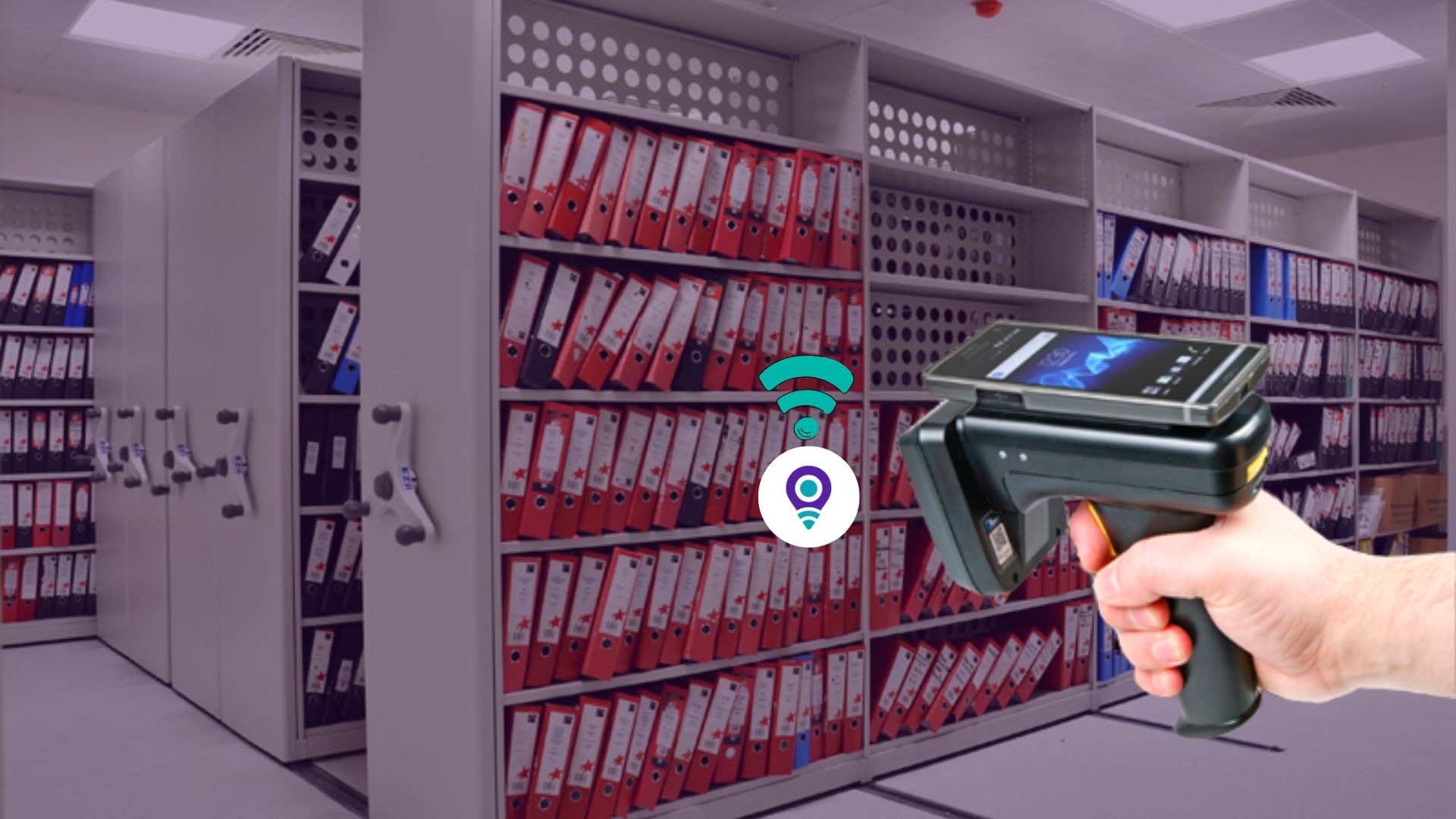
In government agencies, law firms, and hospitals, physical files are still mission-critical. But in too many organizations, the file room is a black box: once a folder leaves the shelf, no one knows where it is until someone can’t find it when it’s needed most.
The real problems organizations face
- Lost or misplaced files during litigation
A law firm spent 3 days searching for a key exhibit before a hearing. The file had been borrowed by associate counsel two weeks earlier but never logged. The result: a delayed filing and a strained client relationship. - HIPAA and compliance violations
A hospital’s medical records department couldn’t produce an audit trail showing who accessed a patient chart 6 months earlier. During a HIPAA audit, this gap led to a warning letter and mandatory remediation. - Manual logs that Nobody trusts
A government records center relied on a handwritten registry book. Entries were often incomplete, illegible, or skipped entirely. During an internal audit, 18% of files checked out had no corresponding log entry. - Time wasted searching for files
A corporate HR department estimated that staff spent 10–15 hours per week searching for employee files that were “supposed to be” in the file room but weren’t. - No real-time visibility into file movement
A records manager couldn’t answer a simple question: “How many files are currently out of the file room, and who has them?” The answer required calling multiple departments and checking scattered spreadsheets.
What Is a File Room RFID Doorway Tracking?
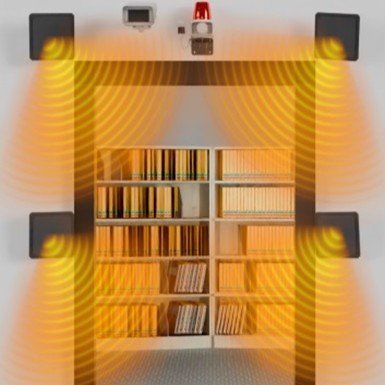
A File Room RFID Doorway Tracking is an automated checkpoint at the entrance/exit of a secure file room that passively detects every tagged file as it moves through the doorway—no line-of-sight scanning, no manual logging required.
Unlike barcode systems that require a person to stop and scan each folder, an RFID doorway:
- Reads multiple tags simultaneously (even in a stack of 10–20 files)
- Detects direction of travel (in vs. out)
- Updates file status in real time: “In File Room,” “In Transit,” or “Out”
- Links files to the employee who took them when integrated with RFID-enabled ID badges
The result: a digital perimeter around your file room that automatically captures every file movement with 100% accuracy and zero human intervention.
Why RFID Doorway Tracking Solve Critical File Room Problems
Self-Service File Pull Environments
In many law firms and corporate offices, authorized staff walk into the file room, pull what they need, and leave. No clerk checks them out.
Real risk: A file can leave the room without anyone knowing.
RFID doorway tracking solution:
The doorway acts as a passive guardian. Even if the employee forgets to sign out the file, the system detects it leaving and:
- Updates the file status to “Out”
- Logs the timestamp
- Associates the file with the employee’s ID badge (if integrated)
Now you know exactly who took what and when, even in an open-access environment.
Clerk-Managed File Checkout Environments
In high-security government or healthcare settings, a file clerk manages all requests. But when volumes are high, bottlenecks occur.
Real problem:
A clerk manually scanning 50 folders for a litigation team takes 20–30 minutes. Files get rushed, logs get skipped.
RFID doorway tracking solution:
The clerk moves stacks of files through the doorway. The system:
- Reads all 50 folders in a single pass
- Records each file’s unique ID
- Updates status and custody in seconds
Throughput increases dramatically without sacrificing chain-of-custody file tracking.
Real-World Example: The Sandy Berger Classified Document Theft (2003)

In 2003, Samuel “Sandy” Berger, former National Security Advisor under President Clinton, illegally removed classified documents from the National Archives in Washington, D.C. -A high-security government records facility.
What happened:
Why this matters for file room security
Berger was able to remove classified documents because the National Archives had no automated checkpoint at the doorway to detect unauthorized removal. He simply walked out with files hidden in his pockets.
With an RFID doorway tracking in place:
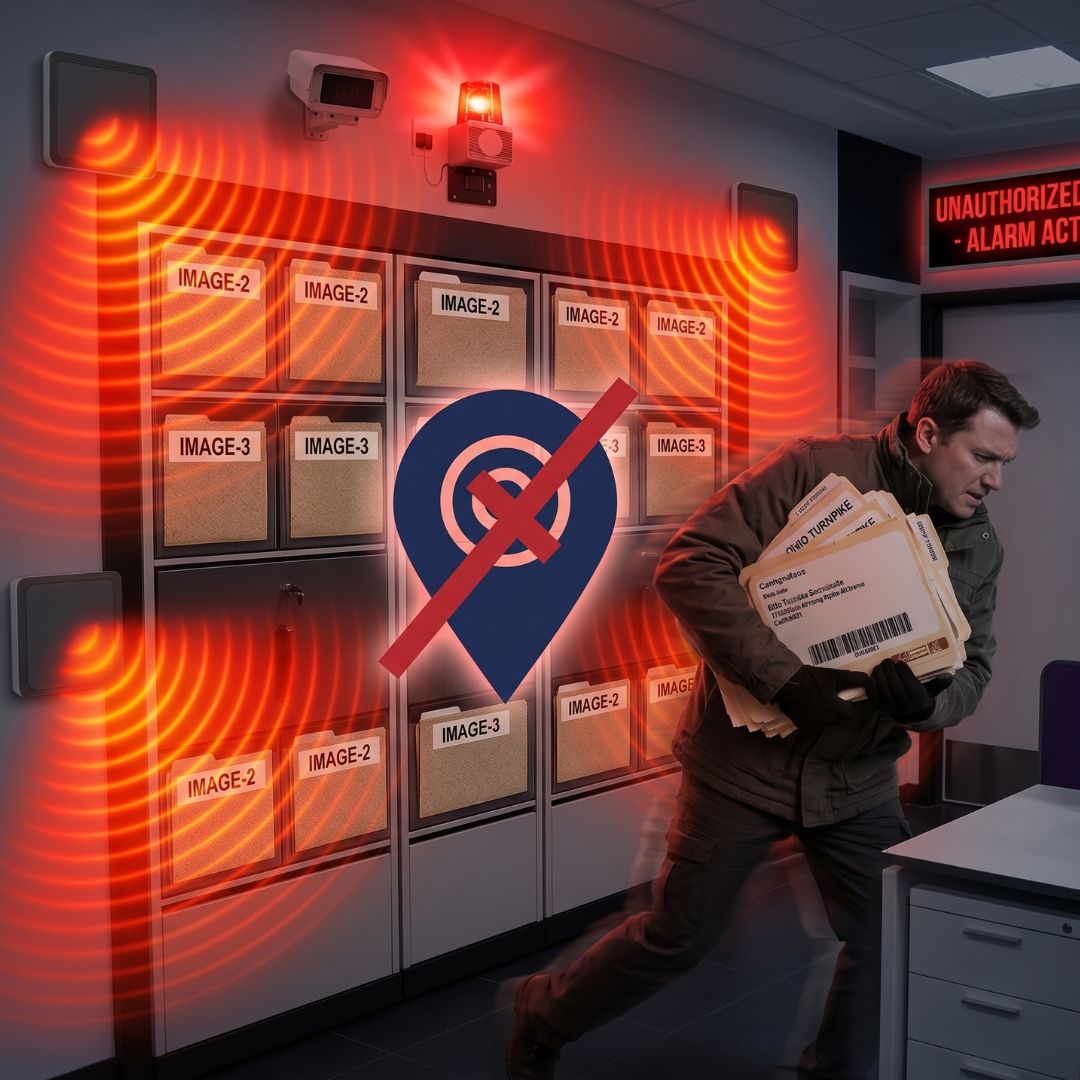
- The doorway would have instantly detected the tagged documents passing through the exit
- A red light and alarm would have triggered immediately
- Security would have been notified in real time, not two days later
- The theft would have been prevented before Berger left the building
This incident demonstrates why passive, automated detection at doorways is critical for secure file room management—even (and especially) when the person removing files has a security clearance and appears legitimate.
How IoTFileTracker Uses RFID Doorways Tracking to Automate Accountability
Automatic IN/OUT Status Updates
When a file passes through the doorway:
| Direction | File Status Change |
|---|---|
| Exit | “In File Room” → “Out” |
| Entry | “Out” → “In File Room” |
This happens automatically, with a time-stamped digital audit trail that can’t be altered or skipped.
Employee Identification + File Attribution
For stronger security, integrate RFID-enabled employee ID cards:
- Doorway detects employee badge
- Doorway simultaneously detects files passing through
- System automatically assigns custody of those files to that employee
This answers the critical question: “Who had this file last?” without manual follow-up.
Hardware Configuration That Actually Works
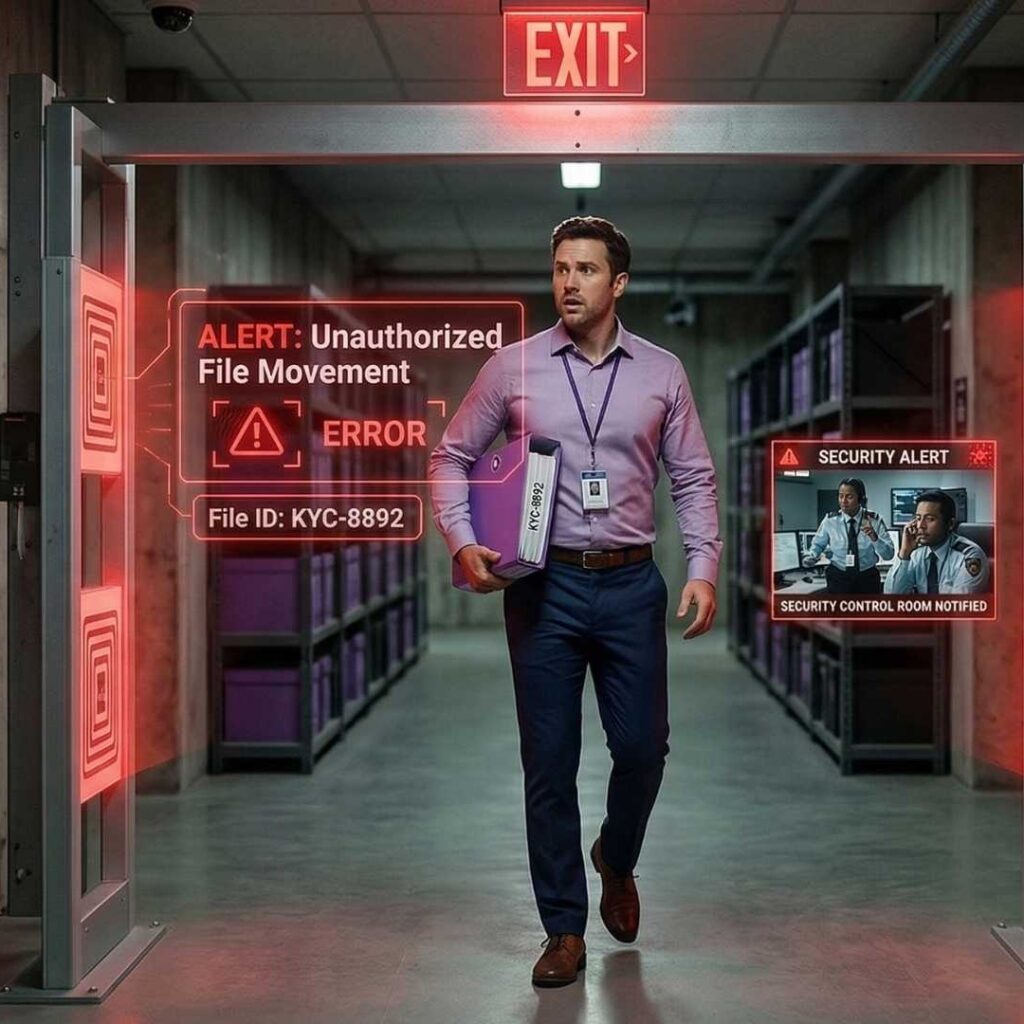
A reliable RFID doorway isn’t just one reader. It’s a synchronized hardware array:
| Component | Purpose |
|---|---|
| RFID Readers | High-performance fixed readers processing tags at high speeds |
| Antennas | Side/top-mounted to eliminate dead zones; multi-antenna setups standard |
| Motion Sensors | Trigger readers only on movement, reducing wear and RF interference |
| Diagnostic Light Stacks | Green = successful read; Red = unauthorized file or error |
Best practice: Use multi-antenna configurations so files buried in the middle of a stack are still detected
Security Alerts That Prevent Loss Before It Happens
IoTFileTracker can be configured with business rules like:
- If a restricted/confidential file exits without an authorized request:
- Trigger an audible alarm
- Flash a red light
- Send email/SMS to Records Manager or Security
These real-time file movement tracking alerts are critical for:
- Internal investigations
- Preventing unauthorized data removal
- Maintaining integrity of sensitive records
Real Use Cases by Industry
| Industry | Problem Solved |
|---|---|
| Government Records | Land titles, social services files always accounted for; transparency ensured |
| Healthcare (HIPAA) | Patient charts never leave without a digital breadcrumb; audit-ready |
| Legal Firms & Courts | Track “Redwell” folders between offices and courtrooms; evidence never lost |
| Corporate HR/Compliance | PII in employee files accessed only by authorized personnel |
Why RFID Doorways Are Foundational to Secure File Tracking
Records governance can’t rely on “best efforts.” It needs a system as rigorous as the regulations governing the data.
RFID doorway tracking provides:
- Passive detection (no action required from staff)
- Objective data (no human error or intentional bypass)
- Continuous stream of movement data
This shifts the records department from reactive file searching to proactive asset management, transforming it from a “cost center” into a high-efficiency service provider.
Implementation Checklist
Before deploying a File Room RFID Doorway:
- Map all entry/exit points in the file room
- Tag all critical files with UHF passive RFID tags
- Install multi-antenna doorway array with no dead zones
- Integrate with employee ID badges for custody attribution
- Configure business rules for alerts on restricted files
- Train staff on light-stack signals and checkout process
- Run parallel tests (manual + RFID) for 1–2 weeks
- Go live and monitor KPIs: file loss rate, search time, audit time
Conclusion
The file room should be the most secure, not the most opaque, part of your records management infrastructure.
File Room RFID Doorways bridge the gap between physical files and digital oversight. They:
- Protect against lost information and compliance violations
- Empower staff with real-time visibility and automated accountability
- Turn the file room into a trusted, audit-ready asset
Investing in intelligent doorway design is an investment in your enterprise’s long-term security and operational health.