In today’s hyper-competitive and fast-paced business landscape, the ability to manage physical records with precision isn’t just a matter of organization—it is a cornerstone of operational productivity, legal compliance, and data security. Traditional manual filing systems, while familiar, are increasingly becoming a liability. They are prone to human error, lead to hours of wasted labor searching for misplaced documents, and create significant administrative bottlenecks that slow down entire departments.
To overcome these challenges, forward-thinking organizations are moving beyond barcodes and paper logs. The integration of Radio Frequency Identification (RFID) with robust software like IoTFileTracker is revolutionizing how archives are managed, providing a level of visibility that was previously impossible.
Understanding the Power of IoTFileTracker and RFID Technology
IoTFileTracker is a comprehensive, enterprise-grade record management ecosystem. By leveraging the power of RFID, it transforms static physical files into “smart assets” that communicate their location to the system automatically.
Unlike barcodes, which require a direct line of sight and individual manual scans, RFID uses electromagnetic fields to identify and track tags. This allows for:
- Passive Detection: Tracking files as they move through doorways without human intervention.
- Bulk Processing: Identifying hundreds of files simultaneously.
- Long-Range Accuracy: Locating documents from across a room or behind cabinet doors.
The Transition to IoTFileTracker
Many organizations hesitate to upgrade because they have thousands of existing records. IoTFileTracker is designed specifically to bridge the gap between legacy paper archives and modern digital tracking. The transition follows a proven, high-efficiency workflow:
1. Precision RFID Tagging
Every existing physical file is outfitted with a specialized RFID label. These aren’t just stickers; they contain a unique electronic identifier (TID/EPC) and are engineered to withstand the friction of high-density filing environments, ensuring a lifespan that matches the retention schedule of your documents.
2. Deep Database Integration
Once tagged, the unique ID of the RFID chip is “married” to the file’s metadata within the IoTFileTracker software. This includes the file name, department, creation date, retention policy, and owner. This digital twin allows you to search for a file on your computer and know its physical status instantly.
3. Custom System Configuration
No two organizations file information the same way. IoTFileTracker is highly configurable, allowing users to tailor tracking zones, alert parameters, and user permissions to mirror their specific internal workflows.
How the Technology Works in Your Workspace
The true value of IoTFileTracker lies in its versatility. It utilizes different hardware configurations to solve specific tracking “pain points”:
High-Speed Check-In/Check-Out (USB Scanners)
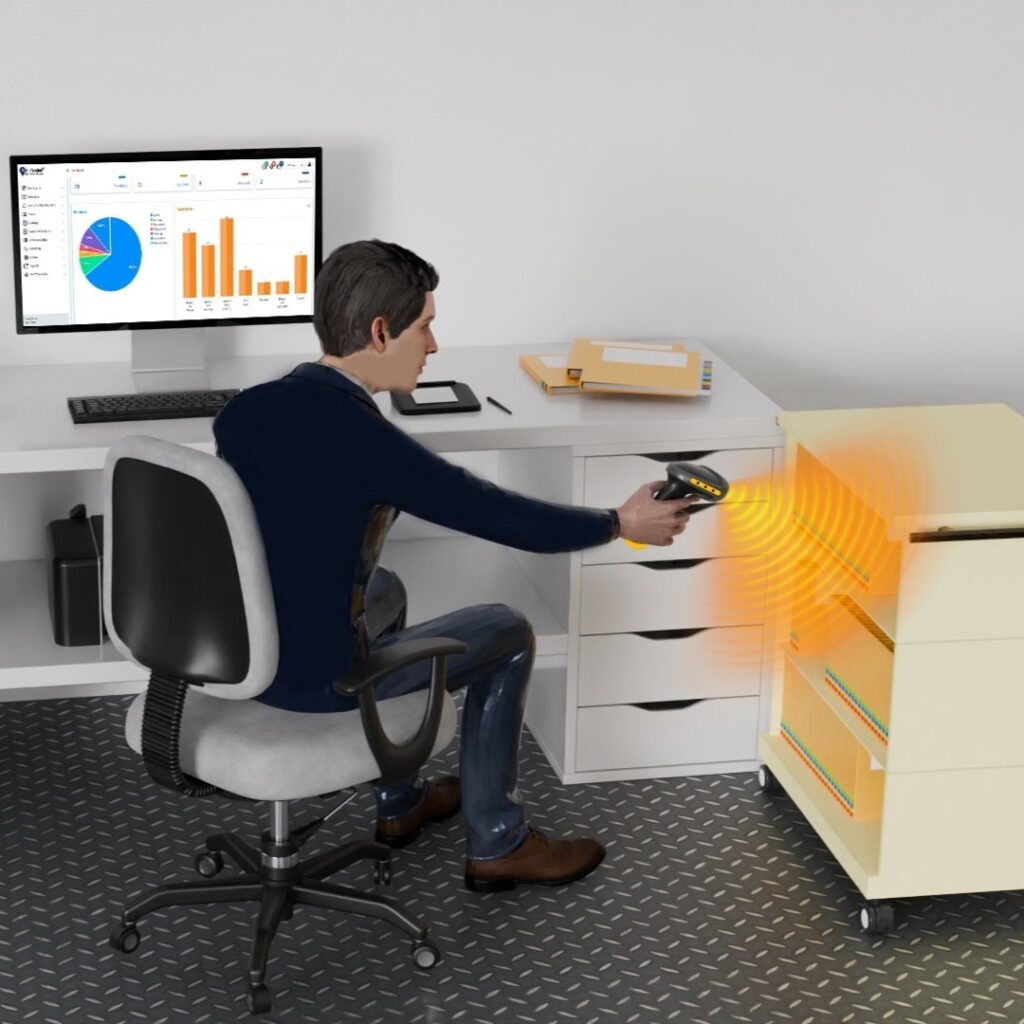
At the librarian or administrator’s desk, USB RFID-Barcode Scanners allow for instant processing. Instead of scanning files one by one, a staff member can place a stack, a bin, or an entire archive box on the desk, and the system checks them all in or out in a single second. This is the ideal tool for transferring files from active circulation to long-term archive boxes.

Passive Archive Room Monitoring (Doorway Tracking)
By installing RFID antennas at the entrances of file rooms, IoTFileTracker creates a “Passive Tracking Zone.” This identifies file movements 24/7—even during non-routine hours when records staff are not present. If a staff member removes a file on a Saturday night, the system automatically logs the movement, ensuring 100% accountability without a single manual scan.

Total Facility Visibility (Real-Time Zones)
For large-scale operations, RFID antennas can be placed in hallways, elevators, and stairwells. These Facility Tracking Zones detect files at distances of up to 40 feet. The software names each zone (e.g., “3rd Floor West Wing”), so if a file goes missing, you don’t just know who took it; you know exactly where it was last detected in the building.

Desktop Detection (The “Final Inch” of Tracking)
One of the most common places to lose a file is on someone’s desk. IoTFileTracker solves this with USB Desktop Detectors. These small units monitor a 5’ to 10’ radius around a workstation. The software knows exactly which desk a file is sitting on, significantly reducing “desk-to-desk” searches.
Building Security (Exit Zones)
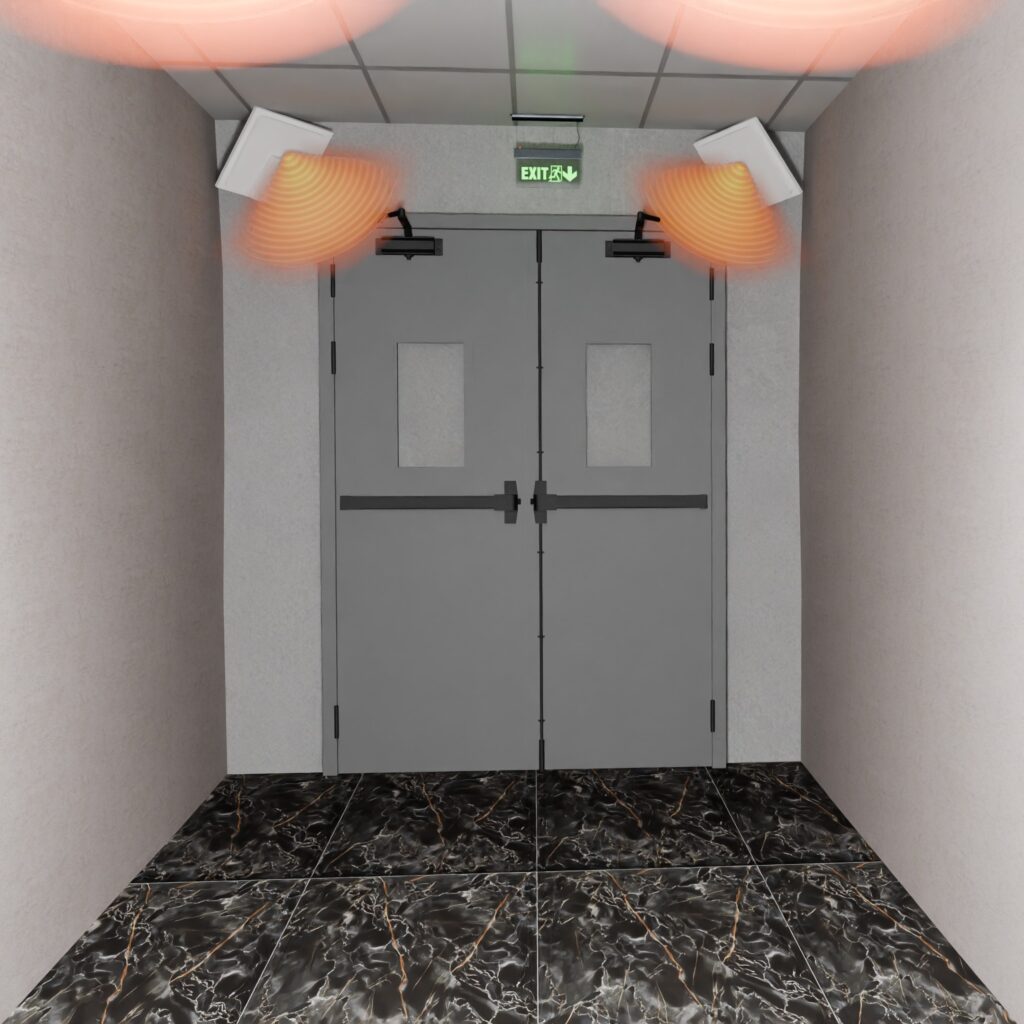
To prevent data breaches or accidental loss, RFID antennas are placed at building exits. If an unauthorized file approaches the exit, IoTFileTracker triggers immediate alarms, flashing lights, or even voice commands: “Unauthorized file detected; please return to the check-out station.” This can be integrated with CCTV to capture video evidence of the event.
The “Find-A-File” Revolution: Mobile Searching
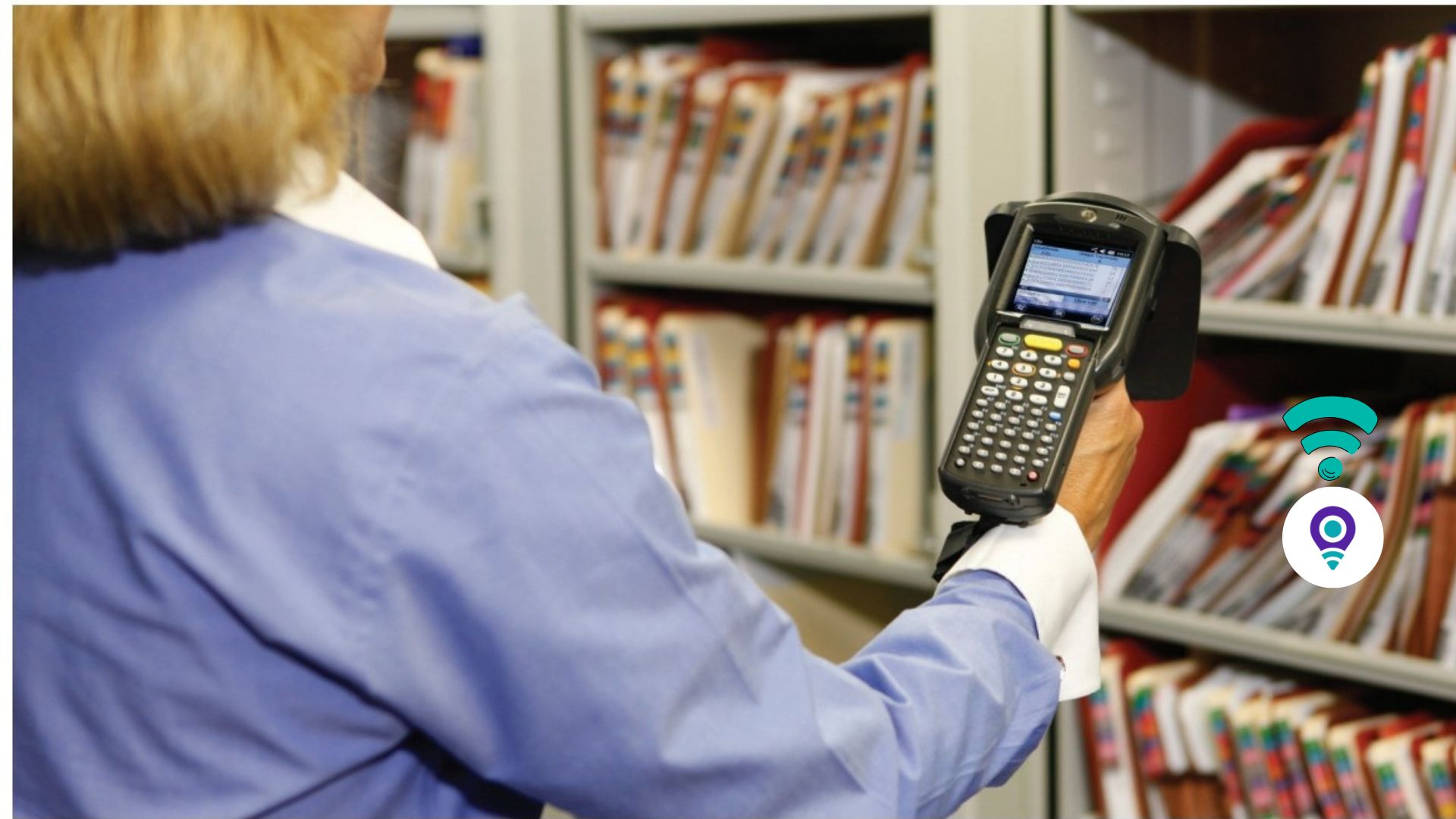
The most popular feature of the IoTFileTracker system is the Mobile RFID Scanner. When a file is missing, staff no longer have to look behind every folder.
Using a handheld scanner with a range of up to 25 feet, users can perform a “Geiger counter” style search. As you walk through an office or archive, the scanner provides:
- Auditory Feedback: Beeps that increase in frequency as you get closer.
- Visual Guidance: A “Cold-to-Hot” color scale on the screen.
- Numeric Accuracy: A signal strength indicator that guides you to the exact shelf or drawer.
The Business Impact of IoTFileTracker
Integrating IoTFileTracker with RFID technology provides a massive ROI by addressing the core pillars of records management:
- Unmatched Retrieval Speed: Locate any file in seconds, not hours.
- Error Elimination: Automated logging removes the possibility of “forgotten” check-outs.
- Enhanced Security: Real-time alerts prevent the loss of sensitive intellectual property or HIPAA/GDPR-protected data.
- Audit Readiness: Generate comprehensive audit trails and history reports with a single click to satisfy regulatory requirements.
- Scalability: Whether you have 10,000 or 10,000,000 files, the system scales without requiring additional staff.