
The Industry Standard in RFID File Tracking Since 2006.
Join the hundreds of facilities securing their operations with our proven, enterprise-grade records management software.
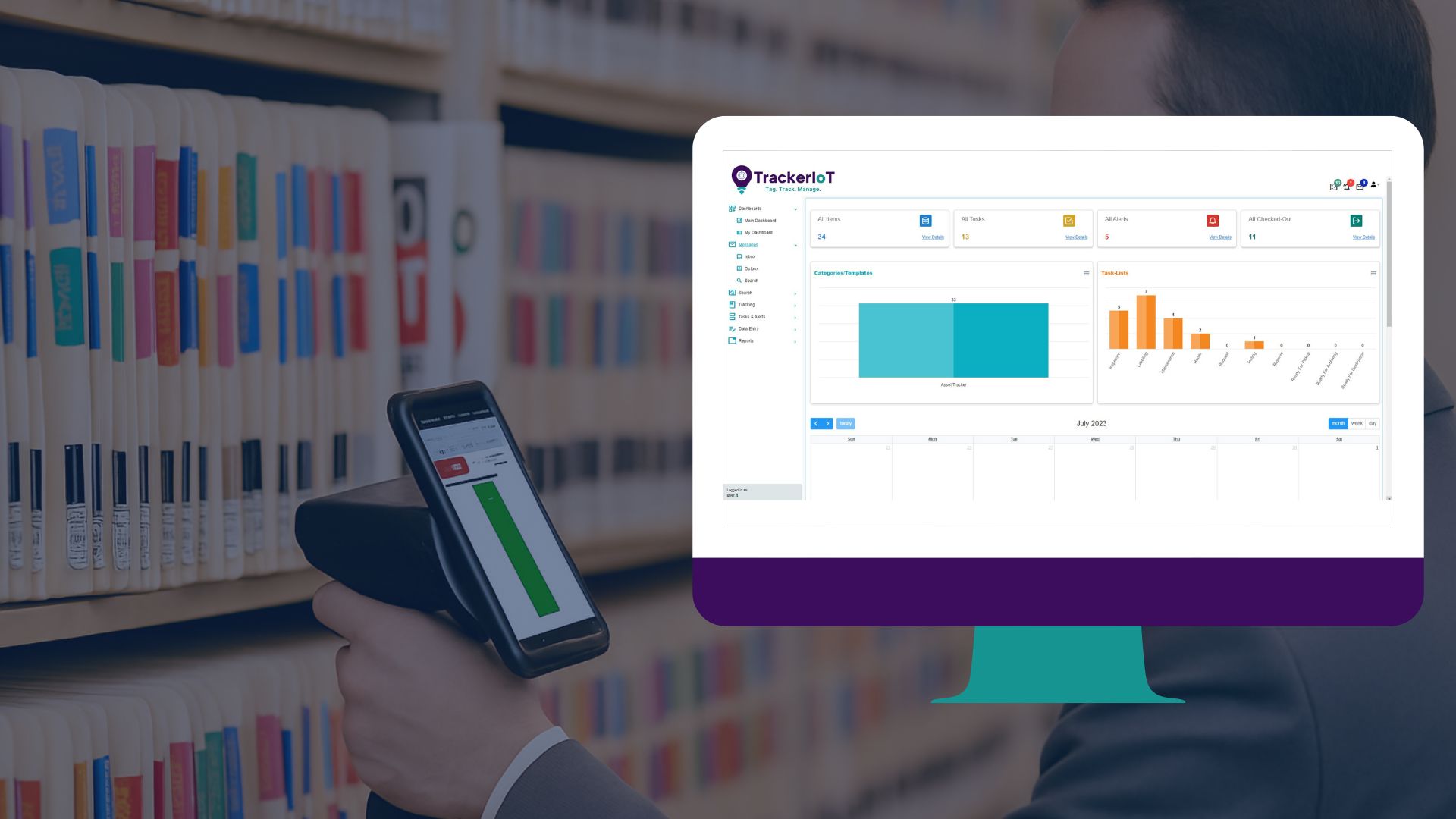
Radio Frequency Identification: Monitoring File, Document, and Archive Locations
Radio Frequency Identification (RFID) transforms static paper files into communicative digital assets. Unlike traditional barcodes, which require a direct line of sight and manual scanning for every single item, RFID uses radio waves to read data through standard obstacles like cardboard boxes, file cabinets, and thick stacks of paper.
The Smart Label
The Activation
The Data Transfer
Seamless Integration. Intelligent Filing.
The Foundation: Intelligent RFID Labels
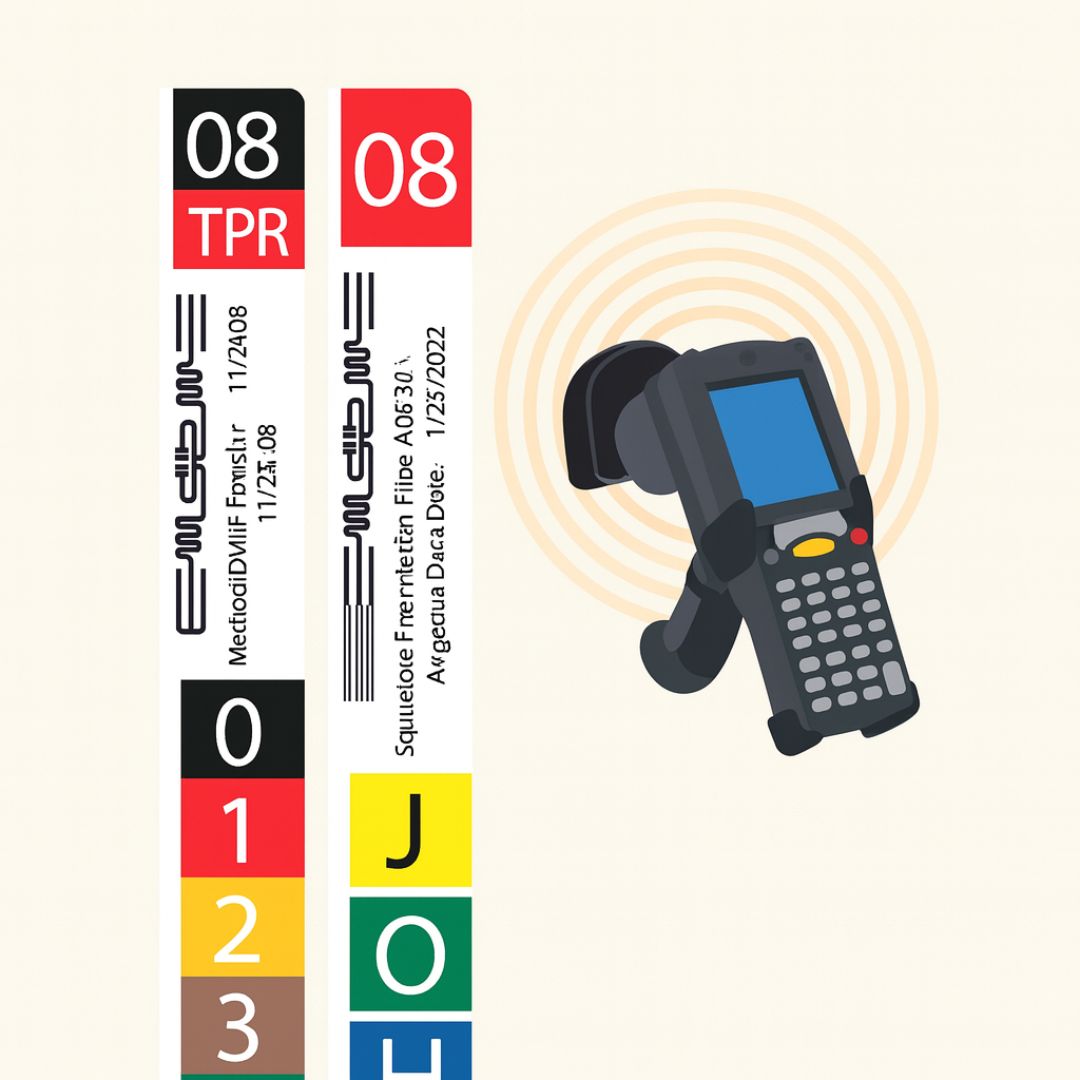
The FileTrackingIoT system begins with the label. We move beyond static paper identifiers by utilizing advanced RFID “Smart Labels.” These tags can be applied to folder fronts, side tabs, or top tabs, ensuring seamless integration with your existing filing furniture, whether you use open shelving or lateral drawers.
We offer a flexible range of tagging solutions to fit your specific workflow:
Hybrid Technology: Our labels can combine RFID inlays with traditional Barcodes and human-readable text. This ensures redundancy—if a network goes down, you can still scan a barcode or read the file name manually.
Customizable Formats: Available in many sizes and styles, labels can be supplied sequentially on rolls or designed for on-site printing. You can encode your specific Unique IDs and archive data directly onto the tag as you print.
Bulk Processing: The End of Line-of-Sight Scanning
Traditional barcode systems are time-consuming because they require a direct “line of sight” for every single scan. If you have 50 files, you have to pick up and scan 50 individual barcodes.
FileTrackingIoT eliminates this bottleneck. Because RFID utilizes radio waves, it can read through paper, cardboard, and plastic.
Simultaneous Scanning: You can process entire stacks of files, full archive boxes, or loaded file carts all at once.
Rapid Inventory: A user can wave a mobile scanner past a shelf of 1,000 files and inventory the entire collection in minutes, instantly identifying any file that is missing or misfiled.
Automated Check-In & Check-Out
We streamline the daily circulation of records with intuitive desktop tools. Using a USB-connected RFID pad, staff can automate the flow of documents without manual data entry.
Instant Updates: Simply place a singular folder or a batch of files on the scanner pad. The system instantly identifies the items and updates their status to “Checked Out” (assigned to that user) or “Checked In” (returned to storage).
Workflow Integration: This process can trigger automatic notifications, such as “Ready for Pickup” alerts or emails confirming that a sensitive file has been returned to the vault.
Intelligent "Parent-Child" Relationships
Managing complex archives requires more than just tracking loose papers. Our software establishes strict “Parent-Child” relationships to maintain the integrity of your records.
The Hierarchy: You can link individual documents (Children) to a specific folder (Parent), and link that folder to a specific Archive Box (Grandparent).
Smart Association: If you scan the “Parent” folder, the system knows exactly which “Child” documents should be inside. If a specific document has been removed from the folder without being checked out separately, the system can flag the discrepancy, ensuring that a file folder is never archived with missing contents.

Eliminate Search Time.
Eliminate Hidden Costs.
The "Find-a-File" Mobile Solution
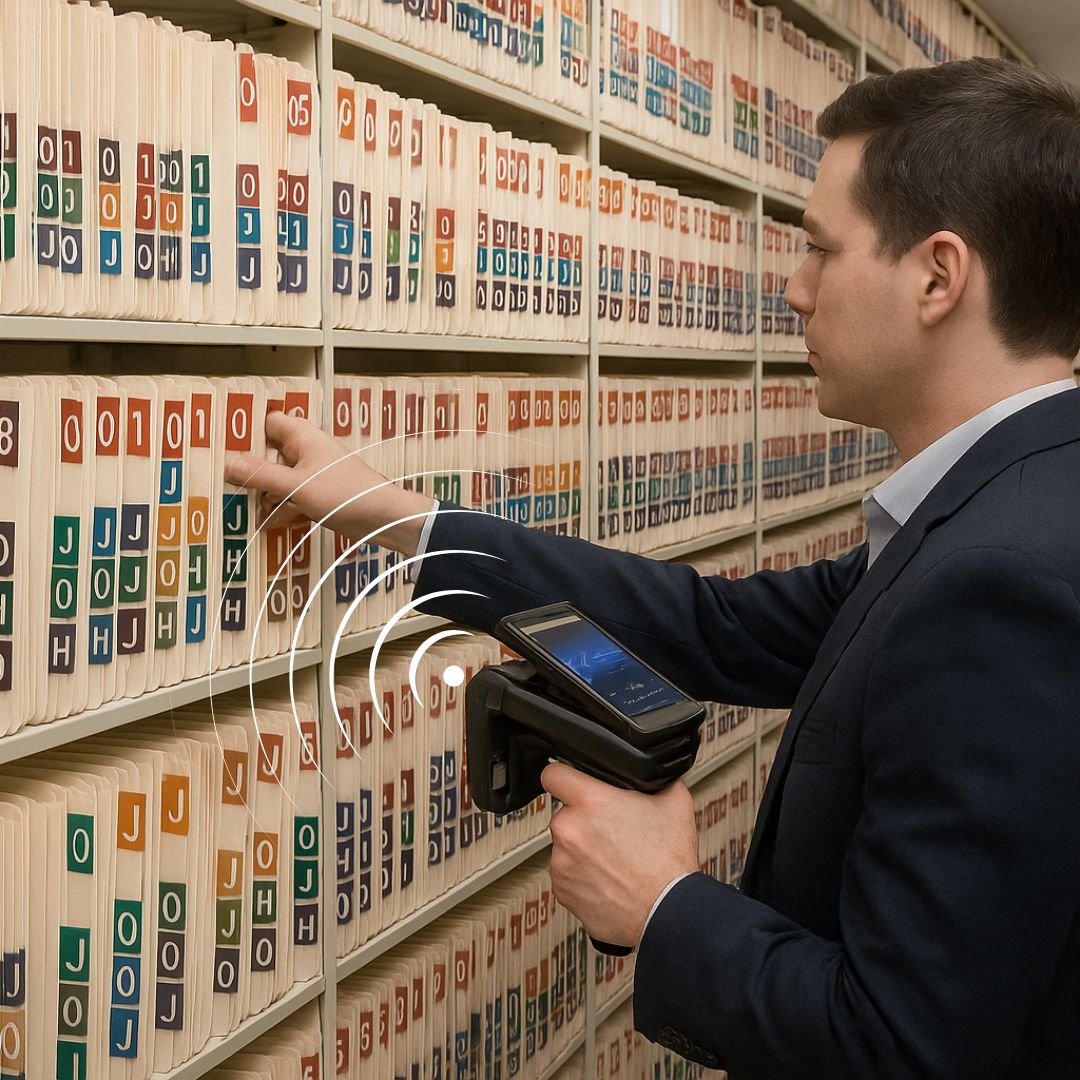
One of the most significant hidden costs in any organization is the time staff spends wandering aisles, opening cabinets, and asking colleagues, “Have you seen the Smith contract?” The FileTrackingIoT mobile scanner eliminates this downtime completely. It transforms the search for a missing document from a frustration-filled hour into a simple, 30-second task.
The FileTrackingIoT mobile handheld is more than just a barcode reader; it is a long-range radio wave detector. With a detection radius of over 20 feet (6 meters), the scanner can communicate with files hidden inside desk drawers, stacked in closed cardboard boxes, or misfiled on the wrong shelf—all without visual line-of-sight.
The "Find-a-File" Workflow
Select: In the FileTrackerIoT software (desktop or mobile app), the user selects one or multiple files that are missing.
Scan: The user walks through the office or archive while holding the trigger on the mobile scanner.
Locate: As the user walks, the scanner filters out thousands of other tags and searches specifically for the unique ID of the requested file.
Precision Guidance: 3-Way Feedback System
- Auditory Alerts (Beep Frequency): Similar to a Geiger counter or a metal detector, the scanner emits a beeping sound. As you move physically closer to the file, the frequency increases. A slow beep… beep… indicates the file is in the room. A rapid beep-beep-beep indicates you are standing right next to it.
- Visual Color Scale (Cold-Warm-Hot): The mobile screen features an intuitive color-coded bar. It displays “Cold” (Blue) when you are far away, transitions to “Warm” (Orange) as you approach, and turns “Hot” (Red) when the file is within arm’s reach.
- Numeric Index (0-100): For ultimate precision, a digital signal strength meter runs from 0 to 100. If the meter reads “20,” the file is nearby. If it reads “99,” the file is immediately in front of the scanner. This allows users to distinguish between a file on the current shelf versus one on the shelf directly behind it.
Rapid Room Inventory
Beyond finding lost items, the mobile scanner allows for lightning-fast inventory auditing. Because the device can read hundreds of tags per second, a staff member can simply walk down an aisle of archives. The scanner captures every file’s ID and automatically updates the central database with the file’s current location (e.g., “Moved to Archive Room B, Shelf 4”). This turns a week-long year-end inventory process into a task that can be completed in a single afternoon.
Proven Impact: How Industry Leaders Utilize FileTrackingIoT
If It Moves, We Track It. Automatically.
Passive Tracking & Real-Time Visibility
True automation is about tracking without thinking. In traditional systems, record accuracy depends entirely on a human remembering to scan a barcode or sign a logbook. If they forget, the system fails.
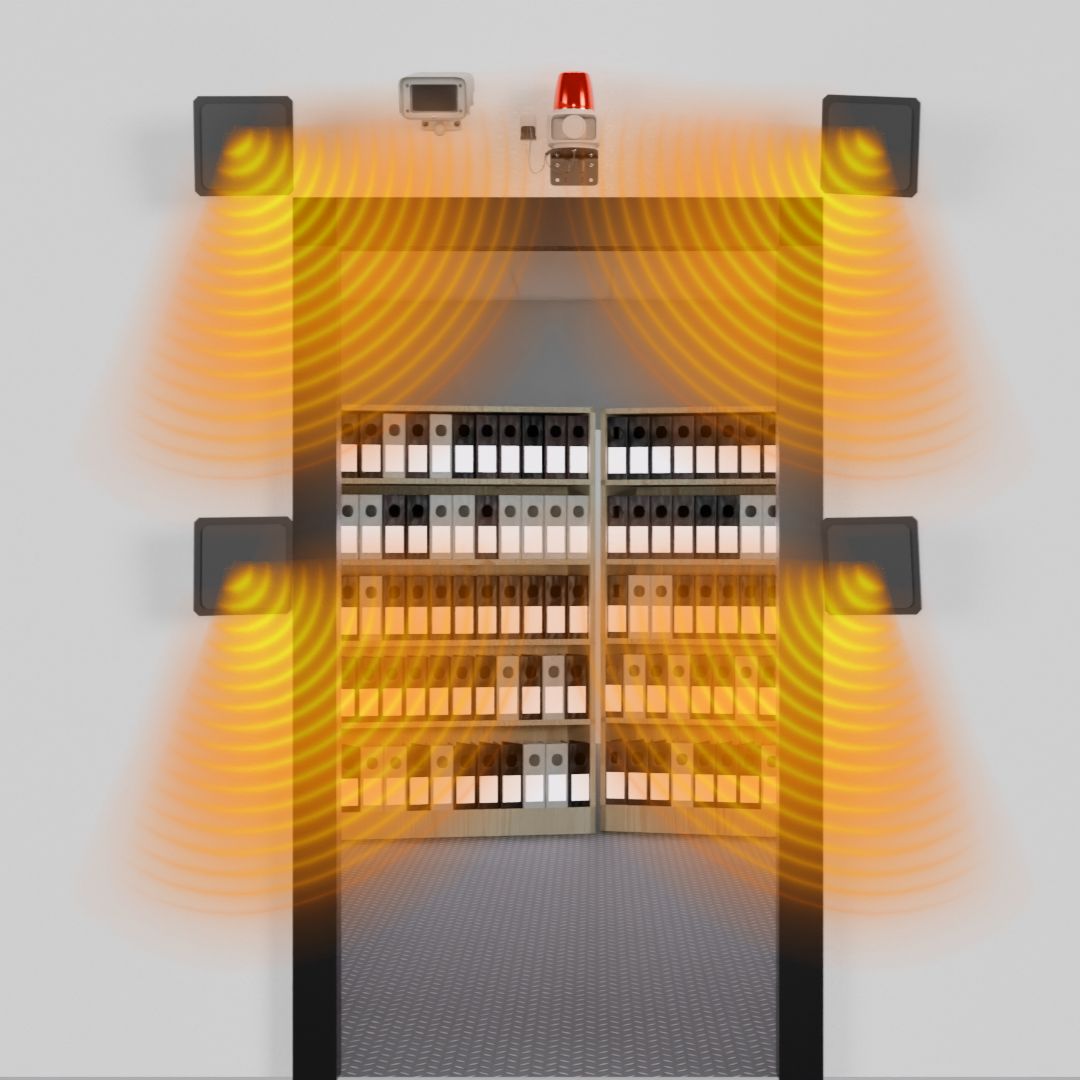
FileTrackingIoT eliminates human error by utilizing “Passive” RFID technology. We install sleek, unobtrusive RFID antennas at key transition points in your facility—such as file room doorways, storage exits, and corridor intersections. These antennas create an “always-on” surveillance network that monitors the movement of your physical assets 24/7/365.
Zone-Based Location Intelligence
Hands-Free Updates: There is no need for staff to stop and scan. They simply carry the files naturally. The system captures the tag data at walking speed.
Granular Visibility: You can define your facility by specific zones. The system will tell you instantly if a file is in “Long-Term Storage,” “The Legal Department,” “Scanning Room,” or “Executive Office Suite 4.”
Audit History: Every zone change is timestamped. You can pull a report showing the exact path a specific contract took through your building over the last six months.
Intelligent Directionality (In vs. Out)
Inventory Accuracy: When a cart of files enters the Archive Room, the system adds them to that room’s inventory. When they leave, it subtracts them. This keeps your “Files-in-Circulation” count 100% accurate in real-time.
Security Triggers: This directionality is crucial for security. A file entering a secure room is standard operations; a confidential file leaving that same room might trigger an alarm.
Automated Chain of Custody
One of the most powerful features of FileTrackingIoT is the ability to link assets to people automatically. By issuing RFID-enabled ID badges to your personnel, we create a digital link between the user and the document.
The “Who” and “What”: As a staff member walks through a doorway carrying a file, the antennas detect both the Personnel Badge and the File Tag simultaneously.
Automatic Assignment: The software logic infers custody. It records: “File #1234 was removed from Archives by User: John Doe at 2:15 PM.”
Accountability: This eliminates the “I never had that file” dispute. The system provides an irrefutable, impartial record of exactly who was in possession of the document last.

Protecting Documents, Defending Your Organization.
Security, Compliance, and Lifecycle Management
Security is not an add-on module; it is the fundamental architecture of FileTrackingIoT. We understand that for legal firms, healthcare providers, and government agencies, a lost file is not just an inconvenience—it is a liability. Our system provides a multi-layered security framework that manages both digital user privileges and physical asset access.
Proactive Theft Prevention & Alarms
Smart Doorways: By placing RFID antennas at exits, the system acts as a digital gatekeeper. It instantly compares the file passing through the door against the user’s authorization level.
The ” unauthorized removal” Logic: If a file marked “Confidential” or “Restricted” approaches an exit without a prior authorized checkout command, the system triggers an immediate response.
Automated Alert Protocols: The response is customizable based on your business rules. It can trigger physical alarms (flashing strobe lights and audible sirens) to deter the theft locally. simultaneously, the software sends silent alerts via Email and SMS to security managers and department heads, identifying exactly which file is being taken and at which door.
Camera Integration: The system can trigger CCTV cameras to timestamp and snapshot the specific event, providing visual evidence of the security breach.
Irrefutable Audit Trails & Compliance
The “Who, What, Where, When”: Every time a file is moved, viewed, checked out, or inventoried, it is recorded in the Audit Log.
Regulatory Readiness: Whether you are audited for HIPAA, GDPR, ISO, or internal corporate compliance, you can generate comprehensive reports in seconds. You can prove exactly who had a medical record or a legal contract at any specific moment in time.
User Accountability: Defined User Software Privileges ensure that staff only have access to the data relevant to their role, further securing the digital side of your records management.
Total Lifecycle Management
Active vs. Inactive: The system tracks active files (in daily circulation) versus inactive files (in deep storage). This helps optimize your expensive office real estate by identifying files that can be moved to off-site storage.
Retention Scheduling: You can set automated retention schedules based on file type (e.g., “Retain Tax Records for 7 Years”). The system will alert you when files are eligible for purging.
Certified Destruction: When a file reaches the end of its life, the system manages the destruction process. It tracks the file to the shredder and updates the status to “Destroyed,” preserving the metadata record for future reference even after the physical asset is gone.
Representatives Projects and Customers